

Turn any task into a shareable starter. Generate a remix link for any task and share it with anyone. Recipients get an instant clone of your entire app - screens, code, and integrations - ready to customize with their own credentials.
Use cases
Client handoff
Build a project for a client and share the remix link. They clone it, add their own API keys, and own the project.
Starter projects
Create reusable starter projects for common app types and share them with your team or community.
Portfolio showcase
Share working demos of your projects. Viewers can clone and explore the full codebase.
Education and tutorials
Build example projects for courses or tutorials. Students clone and follow along with their own copy.
What is included in a remix
| Included | Not included |
|---|---|
| All screens and pages | Environment variables and API keys |
| Complete codebase | Deployment settings |
| Integration configuration (which services are connected) | Domain configuration |
| UI components and styling | |
| Navigation and routing |
API keys and integration credentials stored in environment variables are automatically stripped from remix links. Recipients must add their own credentials after cloning.
Detailed walkthrough
- Web Browser
- Mobile App
Before you begin
You will need:
- A rocket.new account, signed in.
- An active paid subscription (Personal, Rocket, or Booster plan).
- A task you want to share.
Creating a remix link
Click the Remix icon
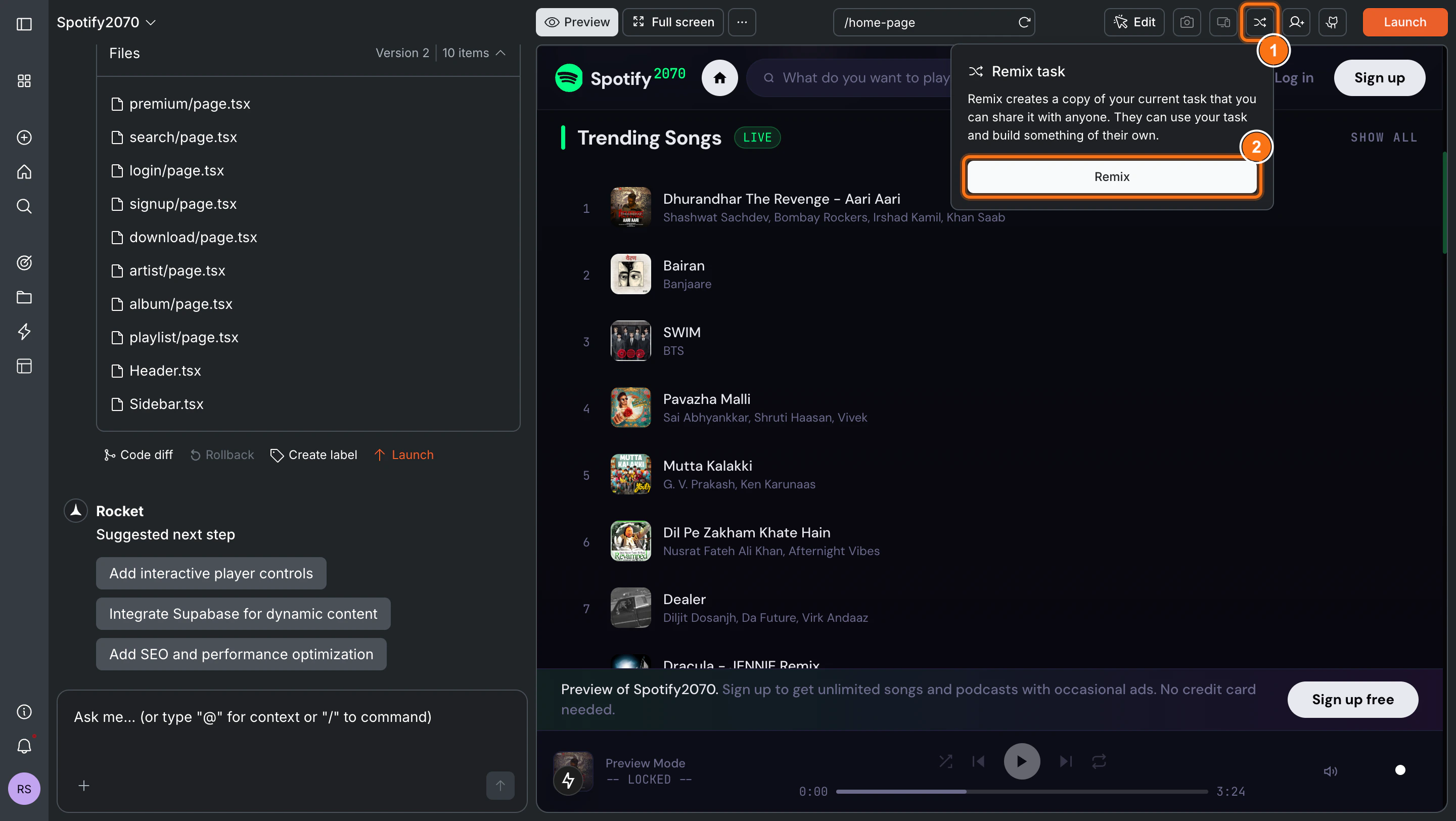
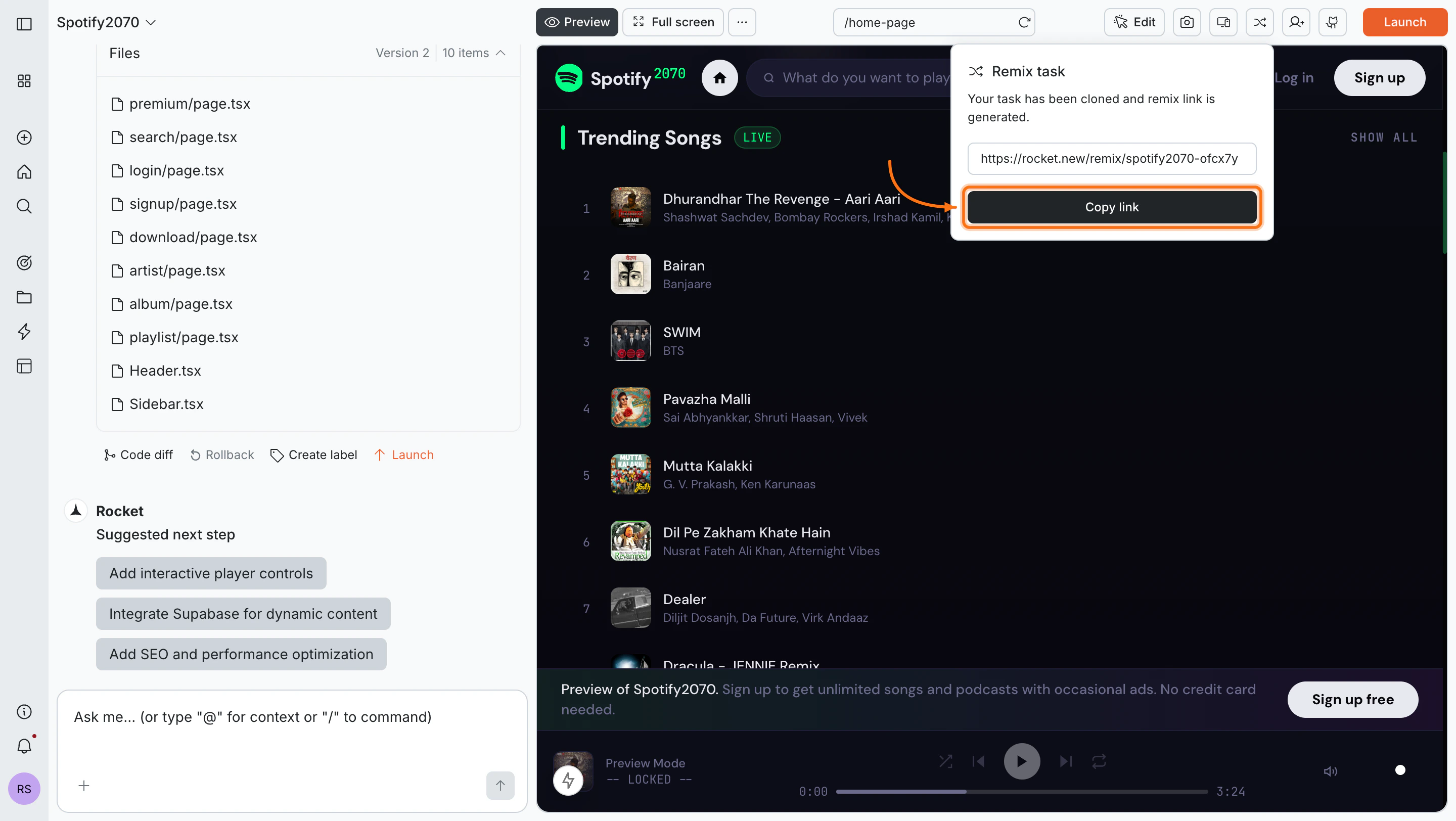
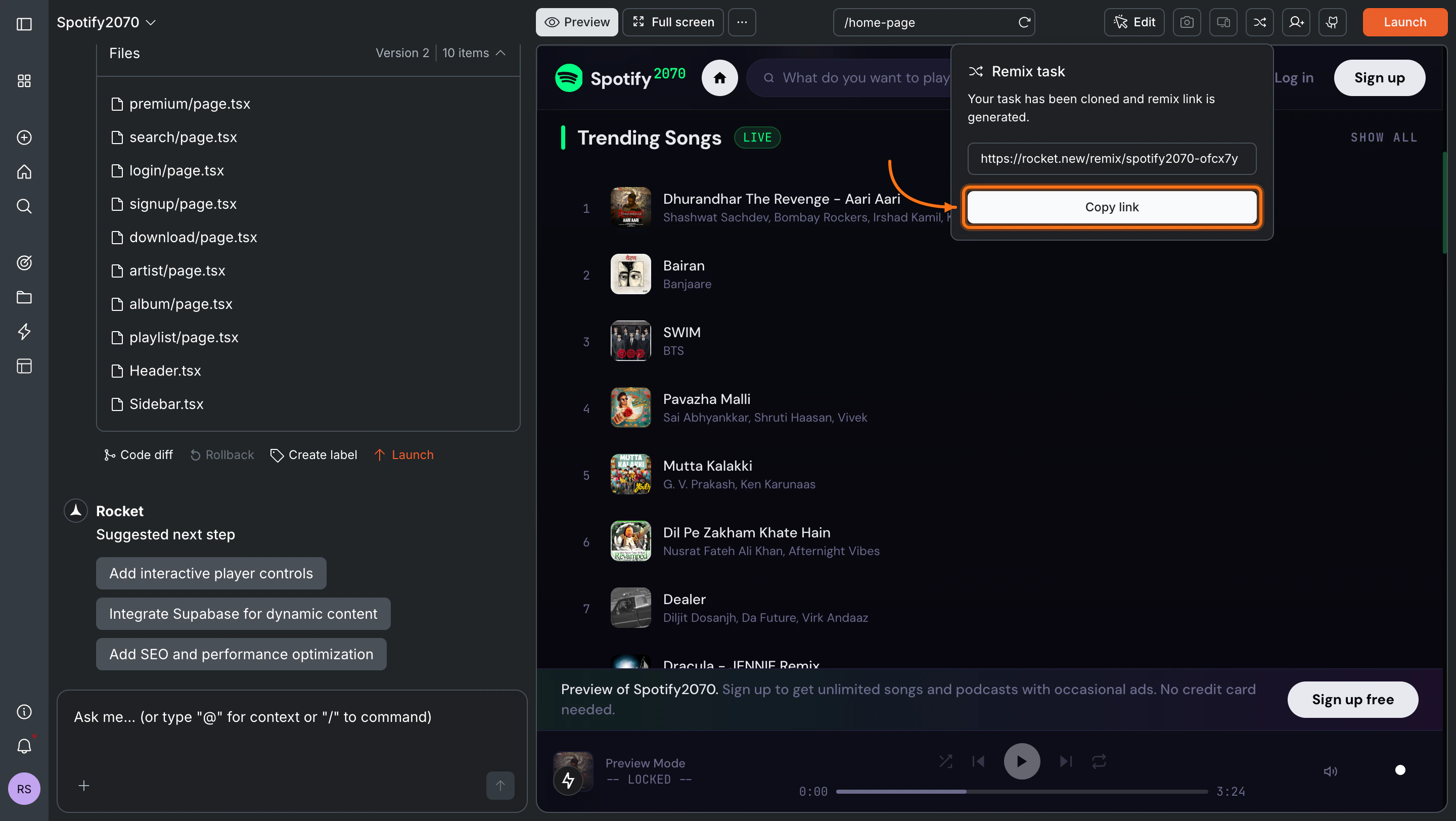
Open the task you want to share. Click the Remix icon in the top toolbar.A popup appears explaining that Rocket will create a copy of your task that anyone can use and build on. Click Remix to generate the link.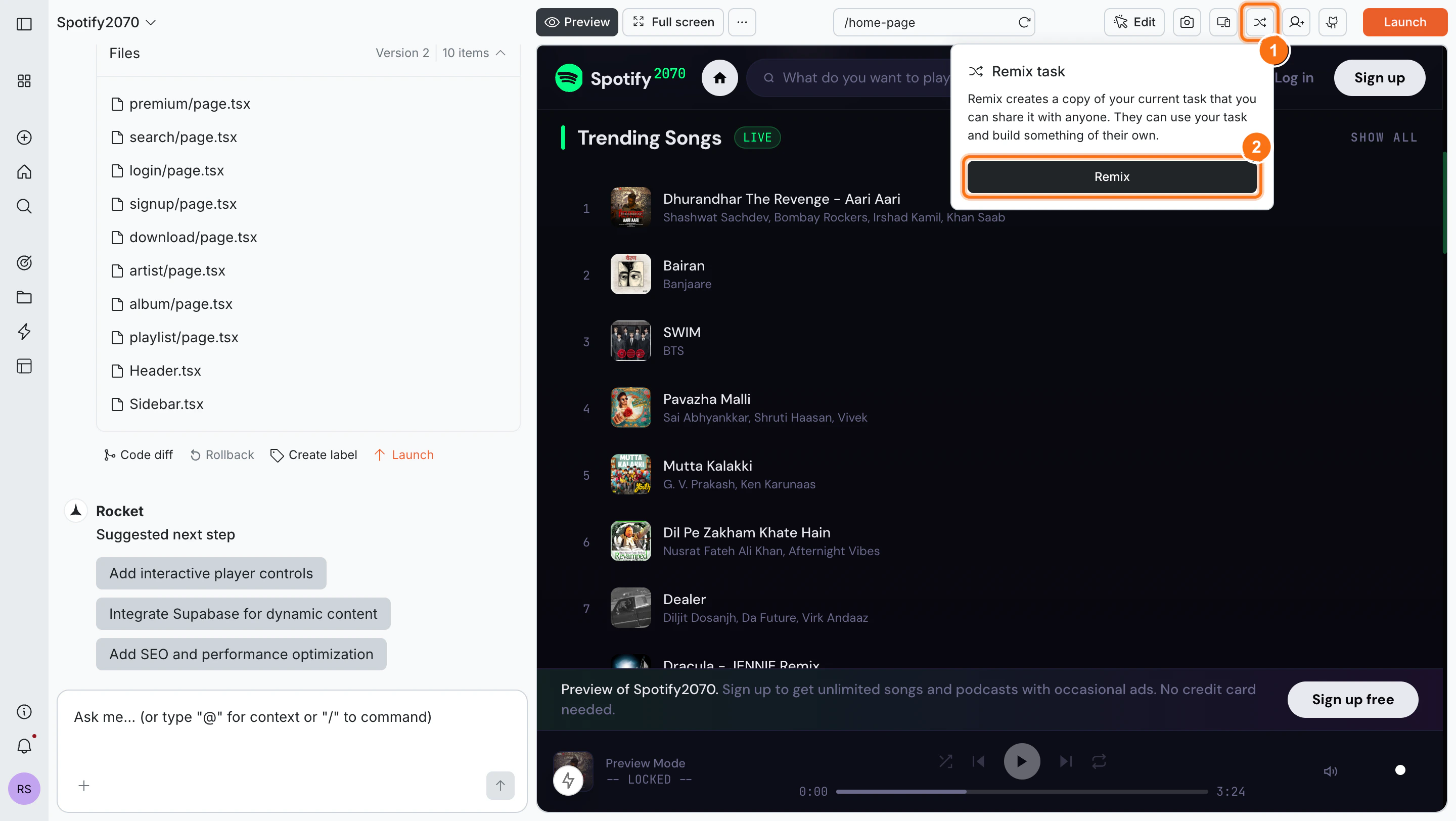
Using a remix link
Preview and clone the task
Click the remix link shared with you. You will see a preview page with the task title, description, view count, and a live preview of the app.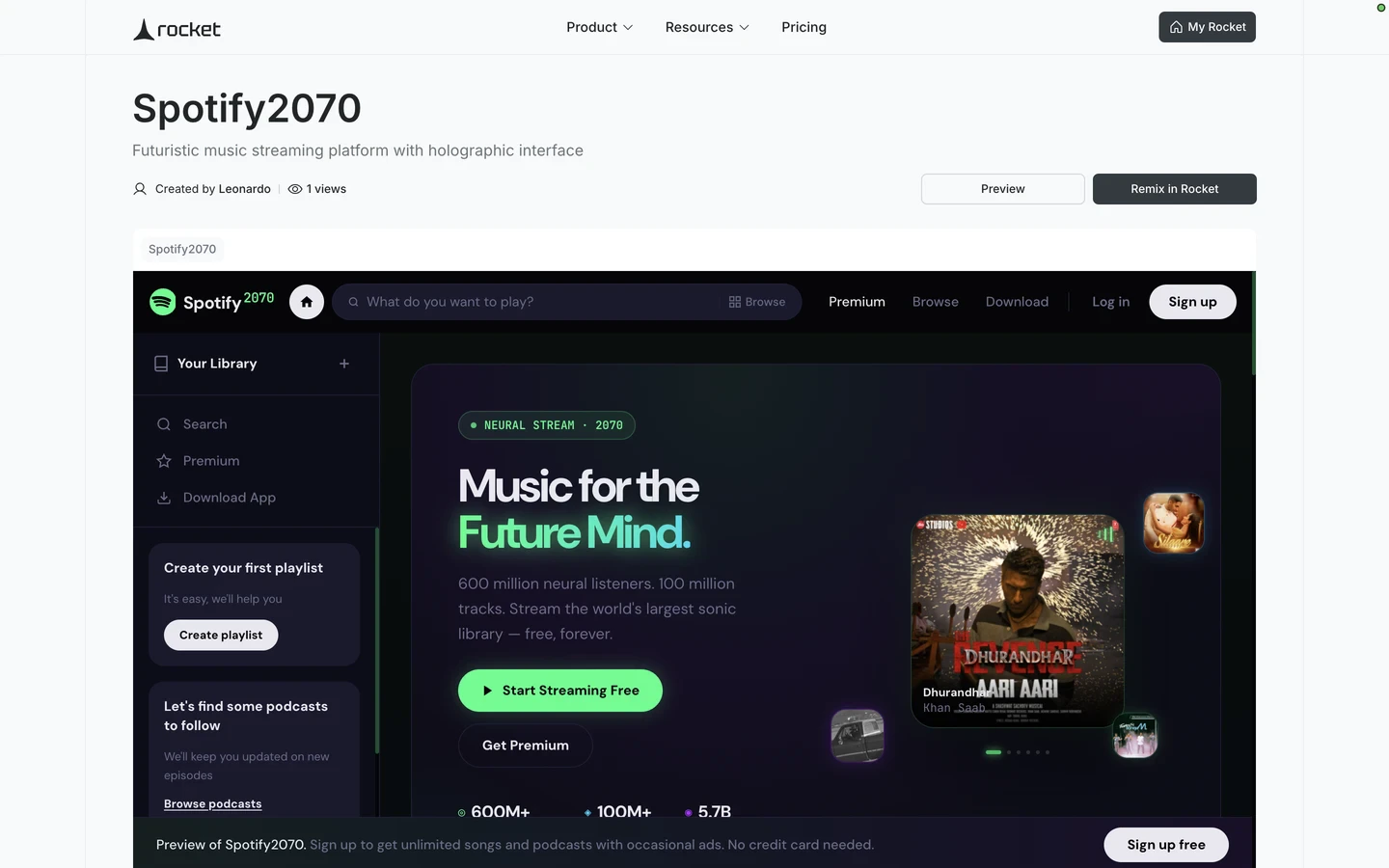
Success check: You will be redirected to your new task with a confirmation message.
What’s next?
Iterate with chat
Customize the cloned project using natural language.
Connectors
Add your own API keys to activate the integrations.
Using templates
Browse Rocket’s built-in template library for more starting points.
Launch your app
Publish the task to the web once you have made it yours.