

What pauses during sleep
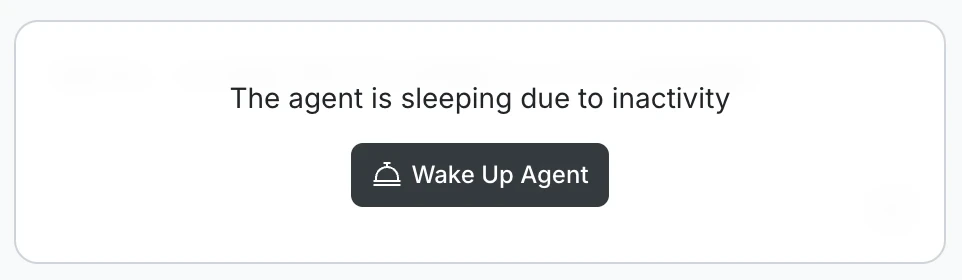
When the agent is sleeping, you will see this message in the chat:The agent is sleeping due to inactivity

- Chat input
- Code generation and editing
- Visual design editing
- Live preview
- Launching your app
- GitHub push and pull
- Background processing
Wake up the agent
Click Wake Up Agent in the chat. The agent resumes immediately and all Build features become available again: chat, code generation, live preview, and any other active functionality.Waking the agent does not affect your task history, files, or outputs. Everything is preserved exactly as it was.
Why this happens
The agent sleeps automatically to manage server resources. This can happen mid-task if you step away for a while during a long Build generation. Agent sleep is a session state, not a save state. Your task, messages, and generated content are all intact when you return.What’s next?
Build overview
Learn how Build works and what you can create.
Manage tasks
Rename, star, or delete tasks at any time.