Purchase a domain directly through Rocket and connect it to your app without visiting a separate registrar. Rocket uses IONOS to handle the purchase. You are redirected to IONOS to complete payment, and DNS is configured automatically when done.

Steps

1

Click the Launch button

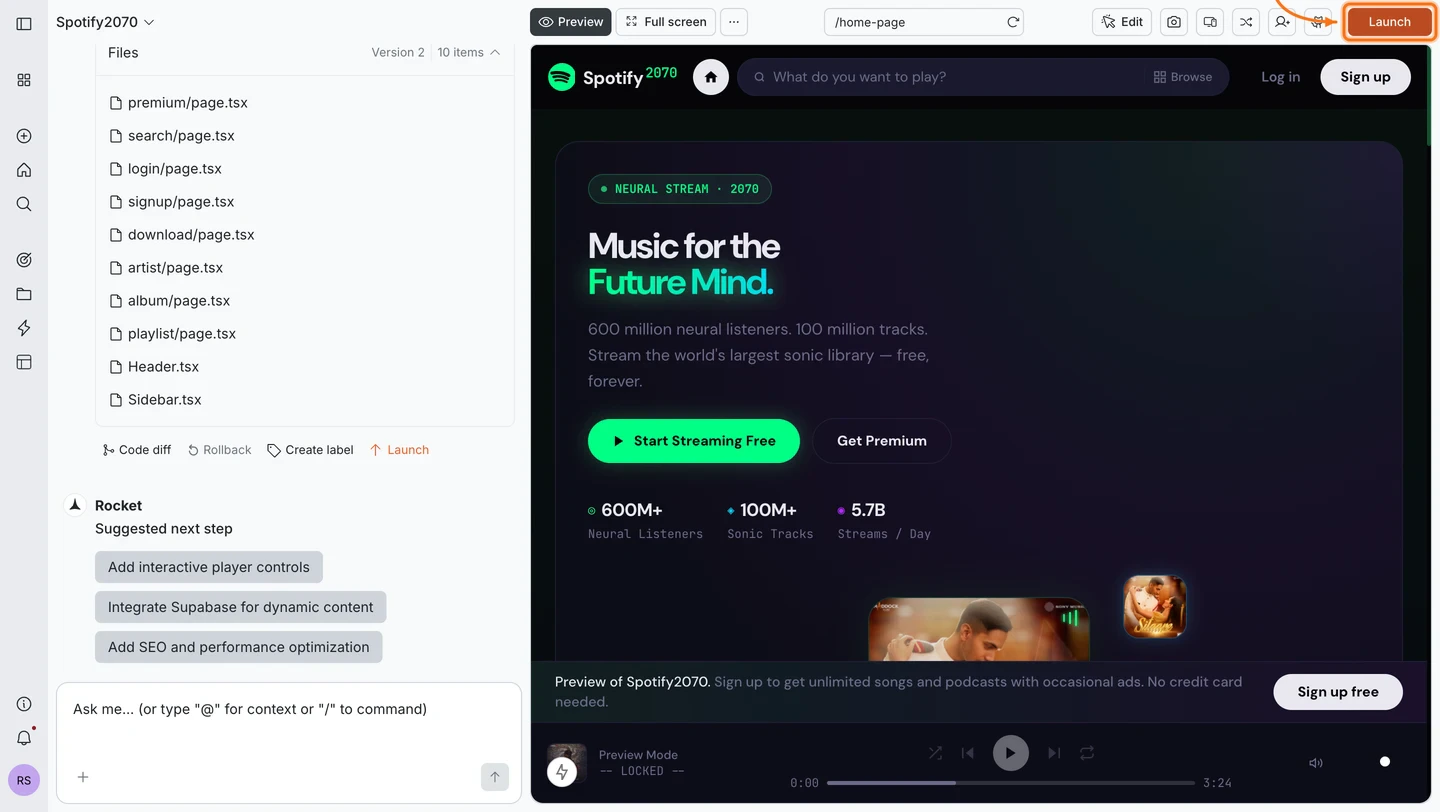
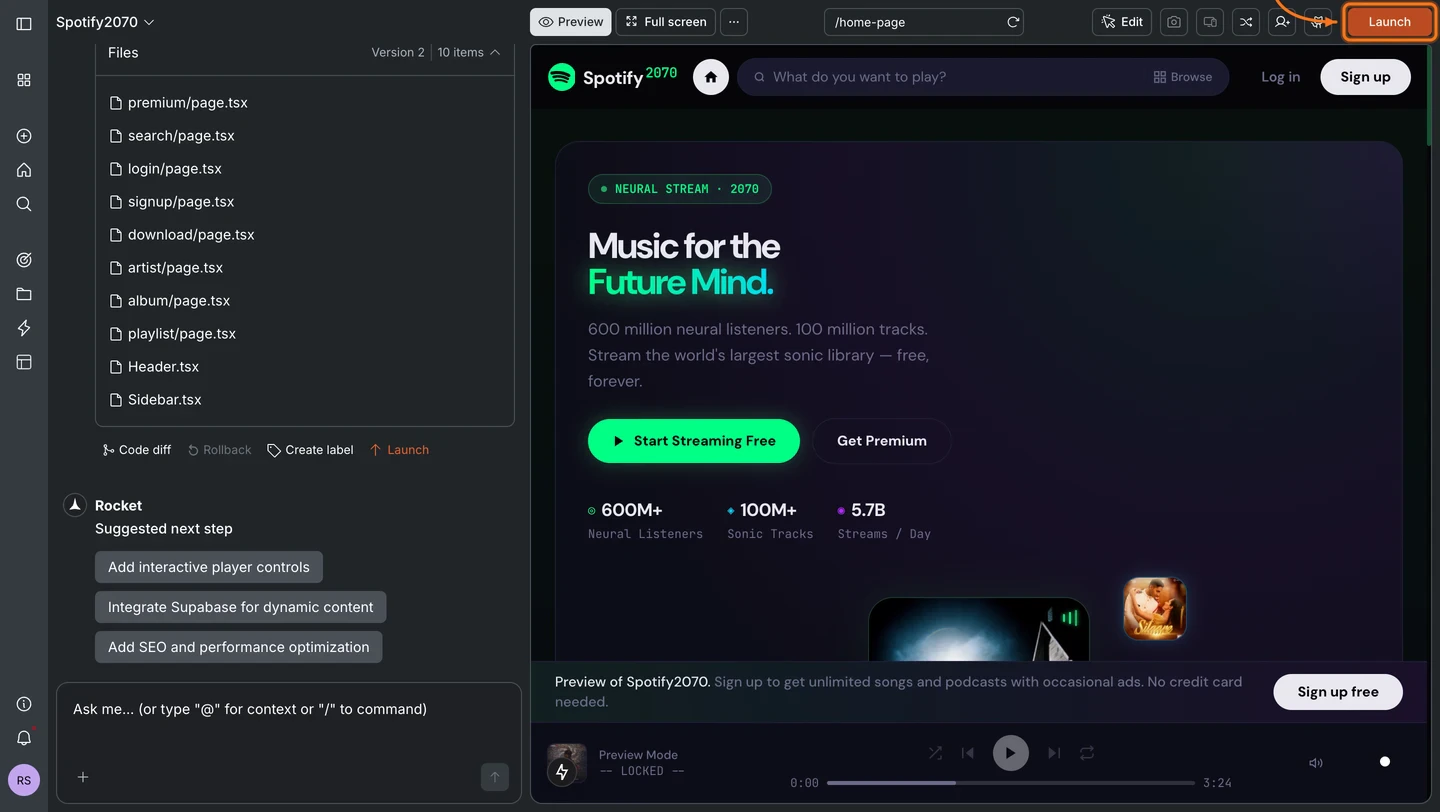
Click the Launch button in the top-right corner of your task.
Rocket editor with the Launch button highlighted in the top-right navbar.Rocket editor with the Launch button highlighted in the top-right navbar.
2

Start the domain purchase

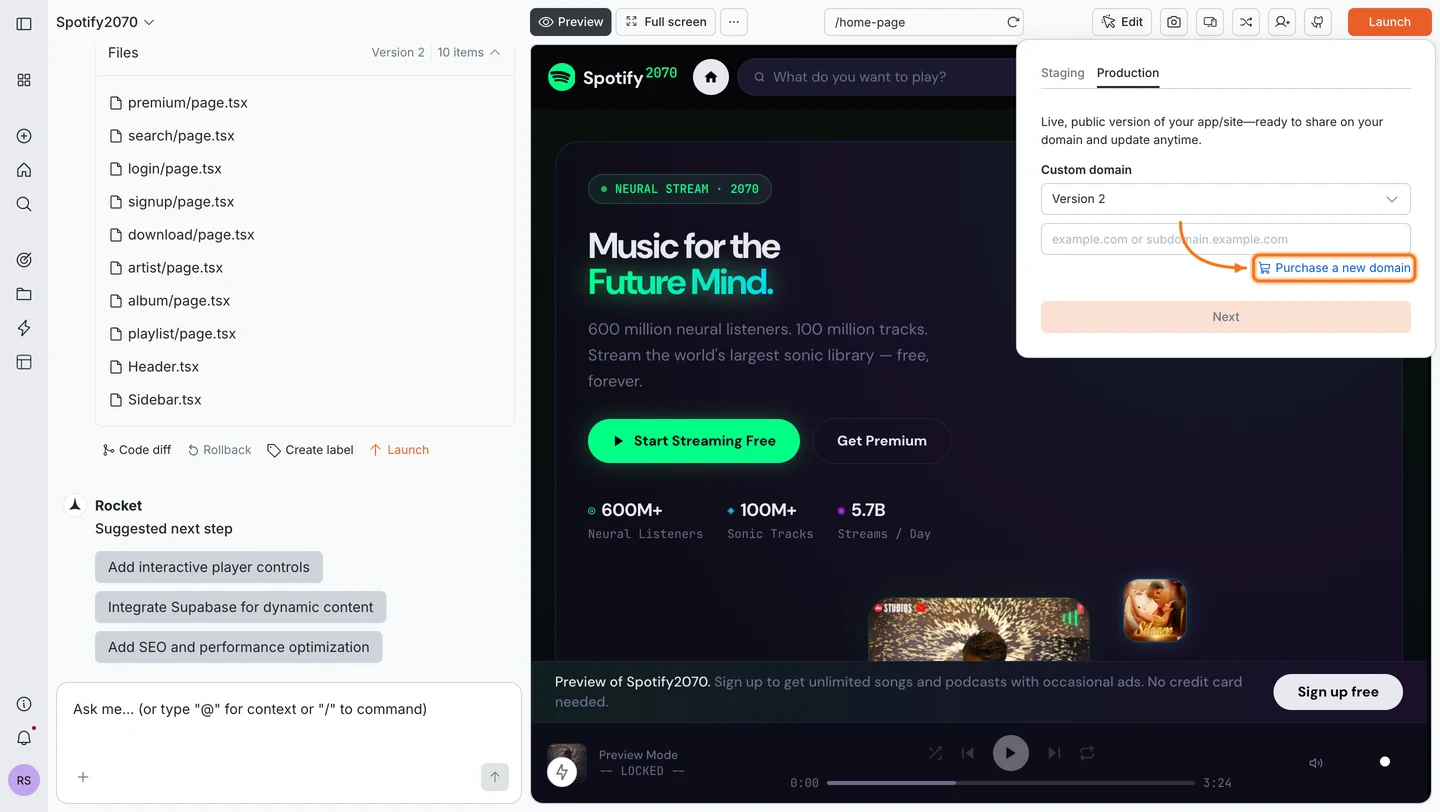
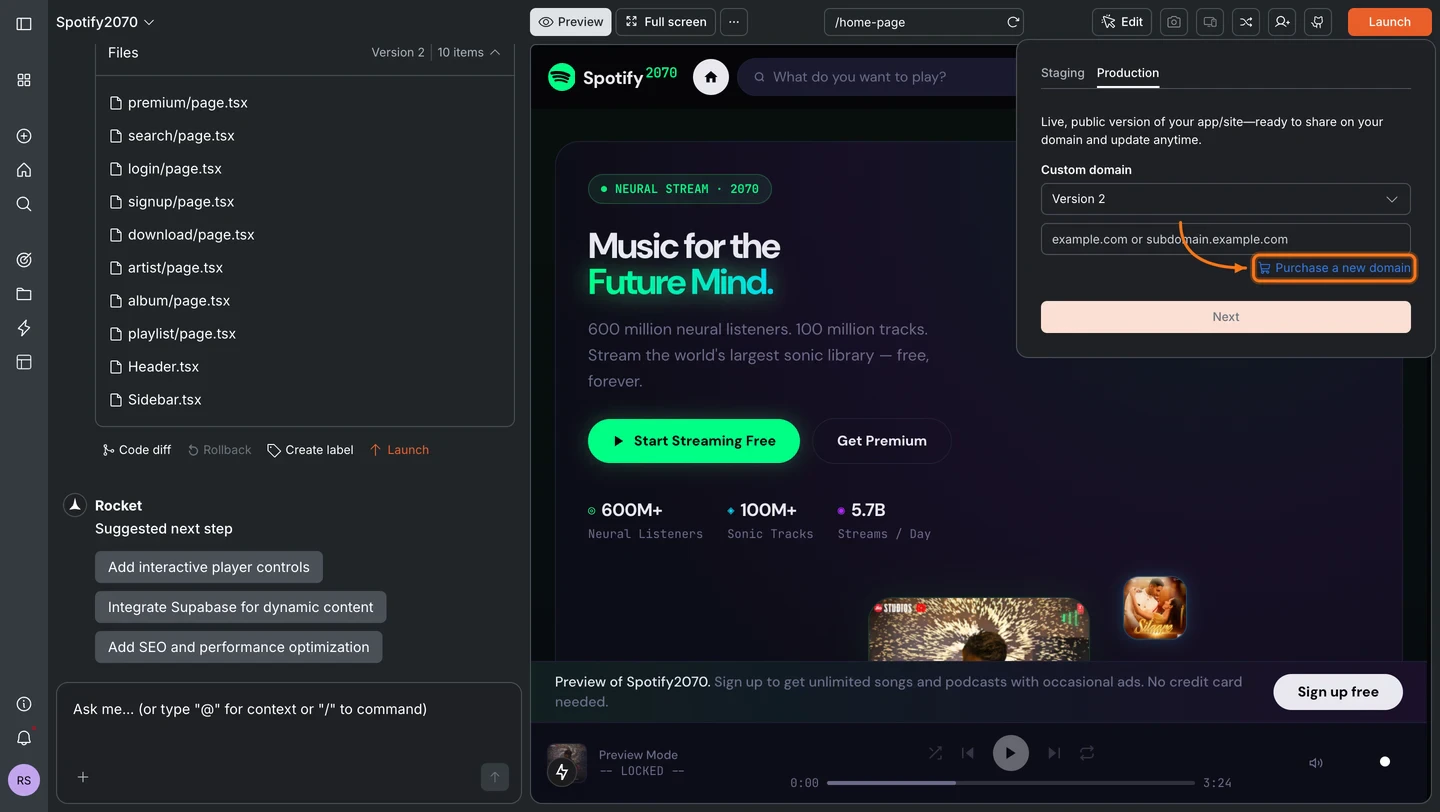
You can reach the domain purchase from two places in the launch dialog:
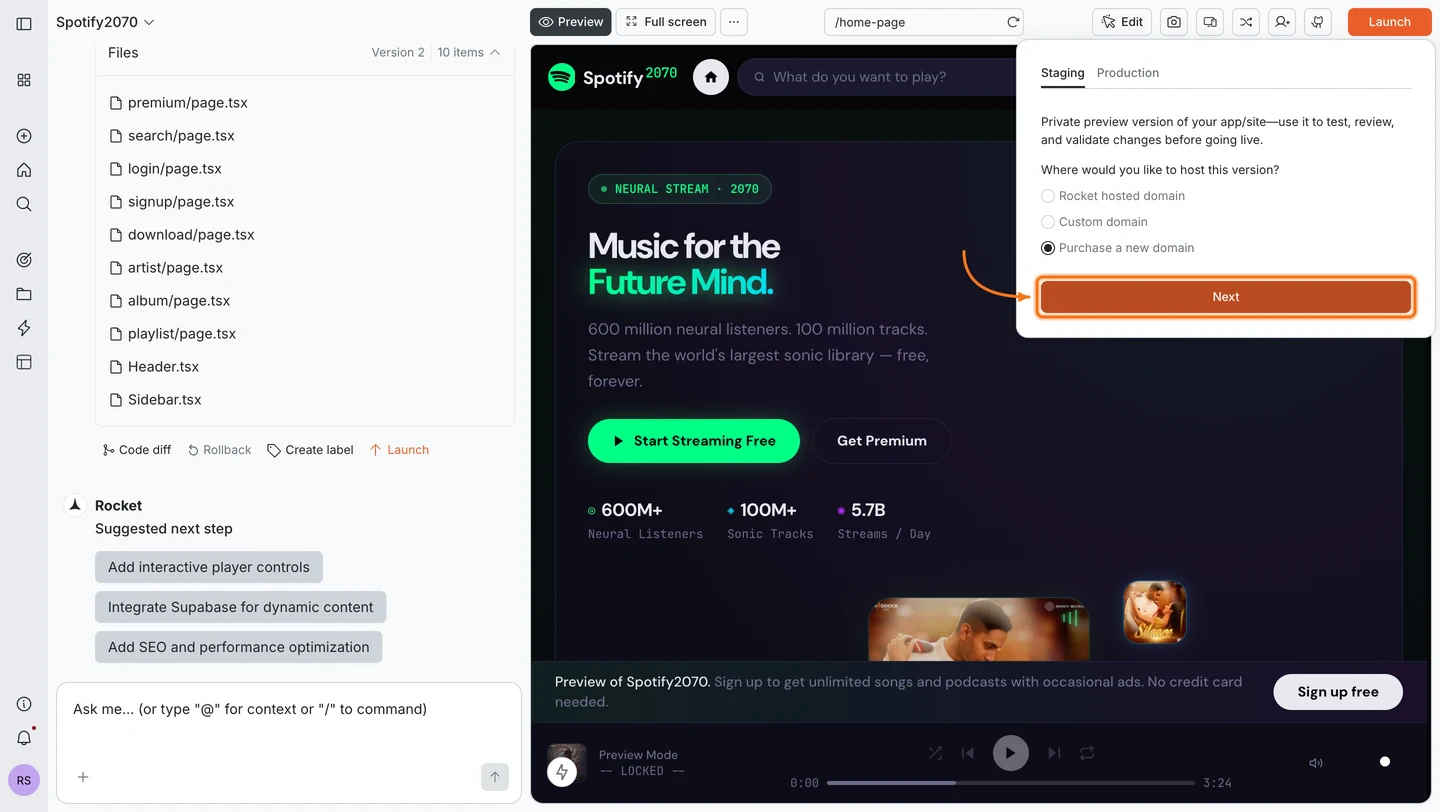
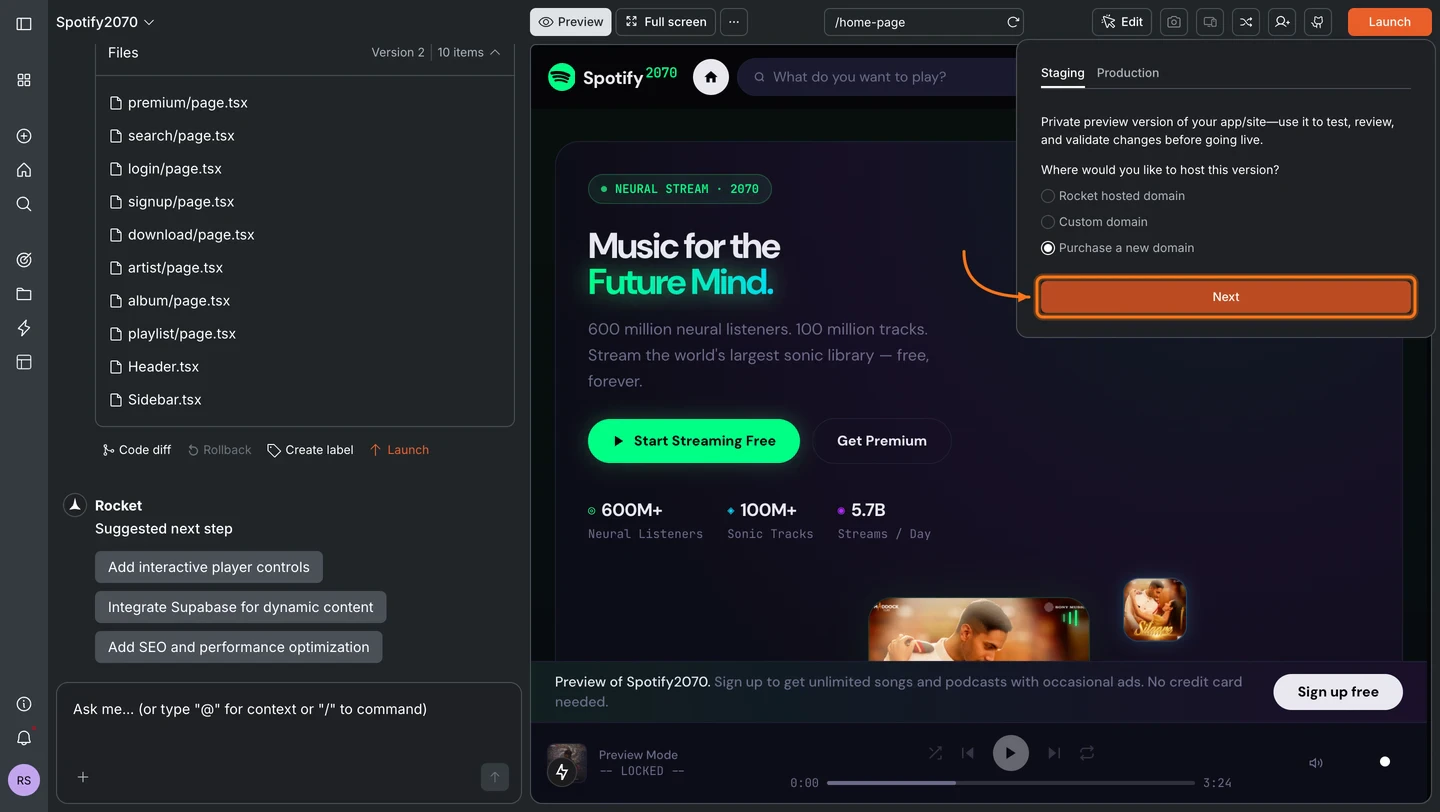
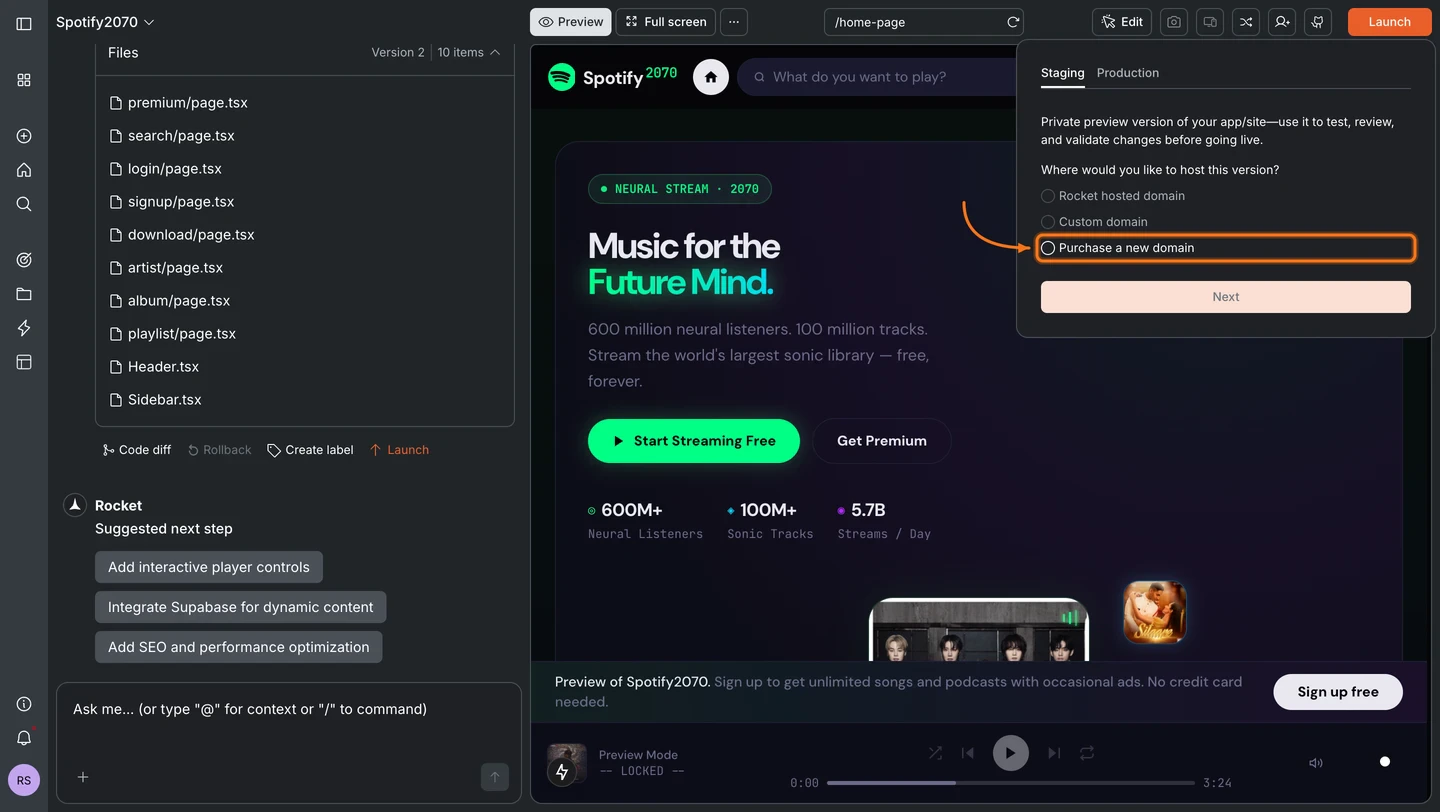
In the Staging tab, select Purchase a new domain and click Next.
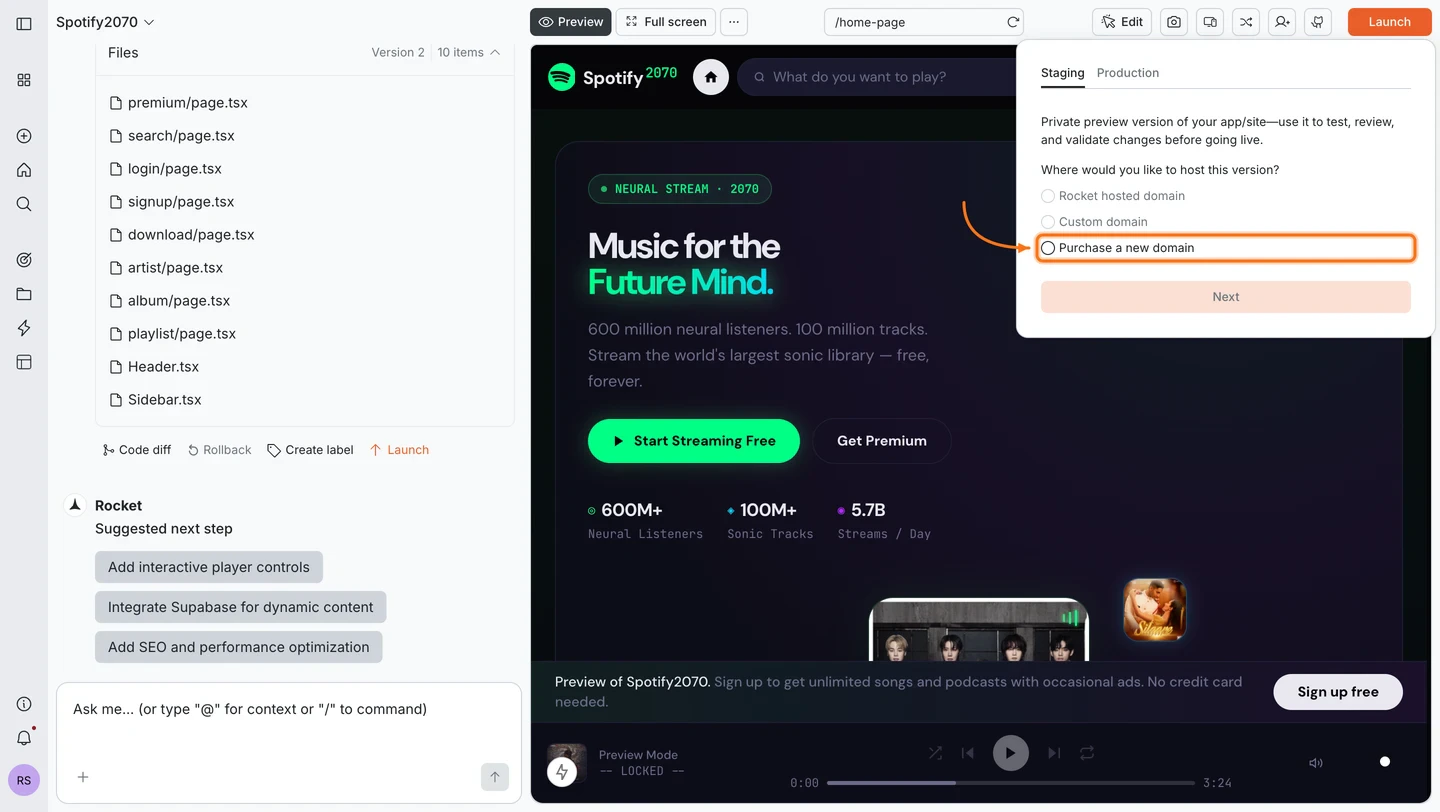
Launch dialog on the Staging tab with the Purchase a new domain radio button selected.Launch dialog on the Staging tab with the Purchase a new domain radio button selected.
Launch dialog on the Staging tab with the Next button highlighted.Launch dialog on the Staging tab with the Next button highlighted.
3

Search for a domain

The IONOS domain search opens inside Rocket. Type the name you want and click Search.
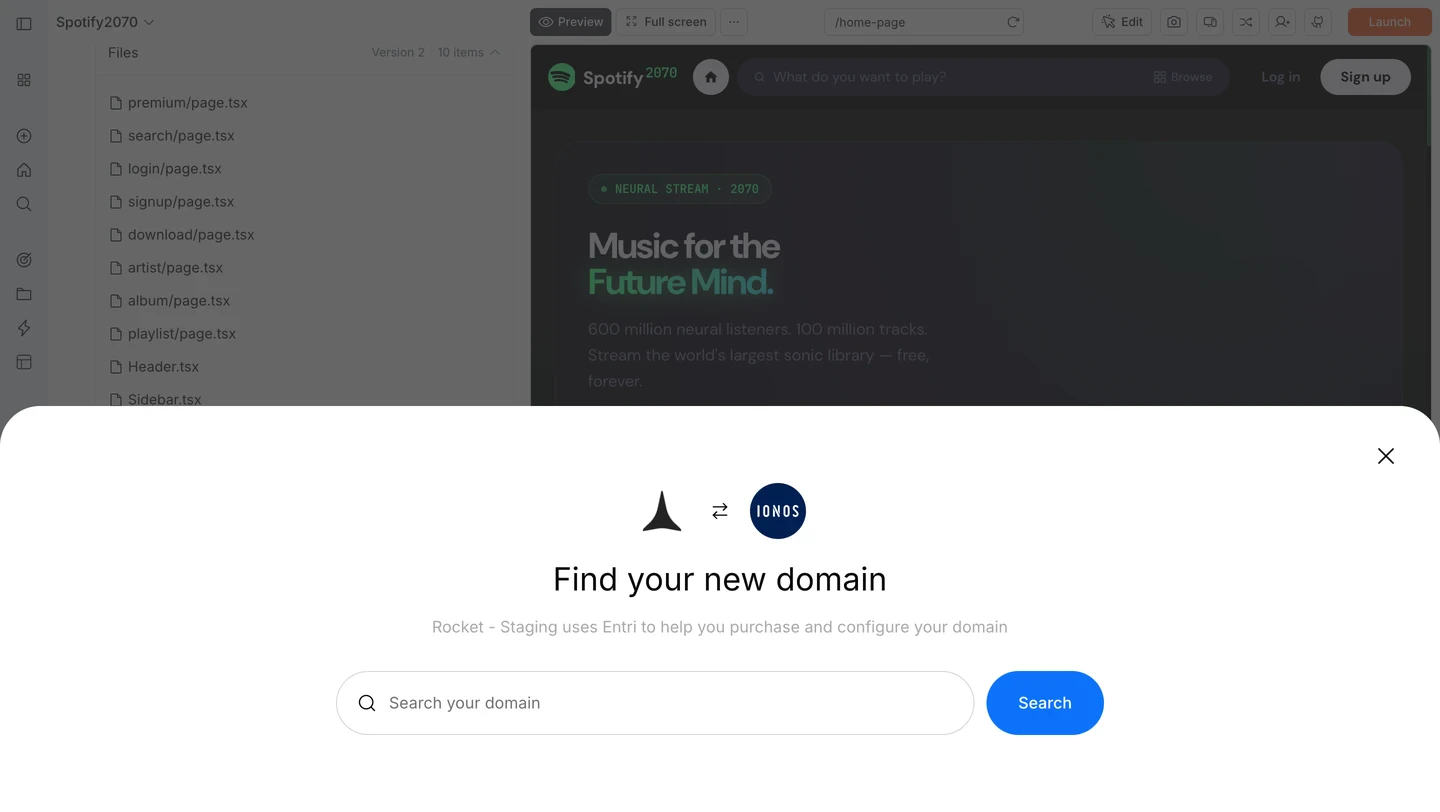
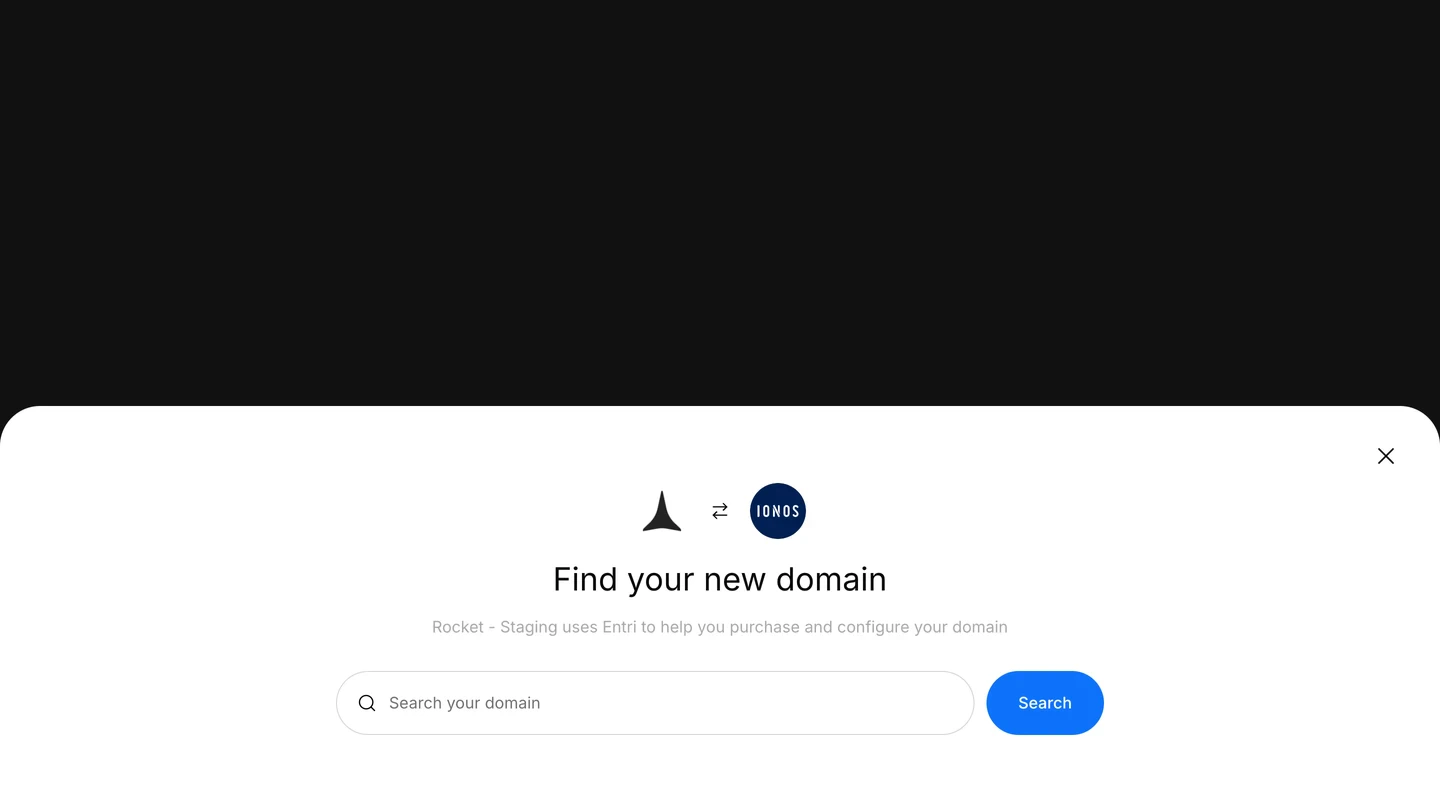
IONOS Find your new domain modal with a search input and Search button.IONOS Find your new domain modal with a search input and Search button.
4

Select a domain

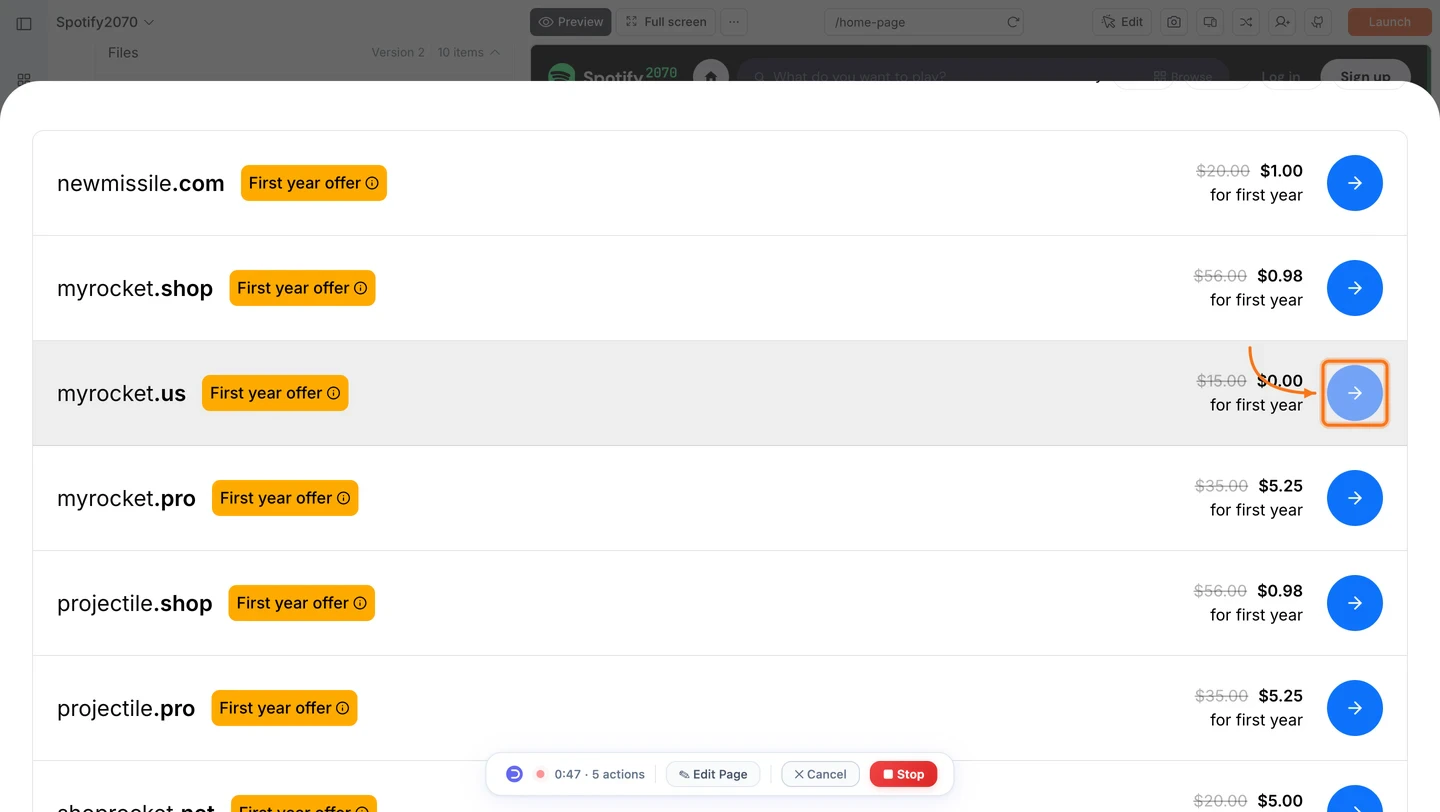
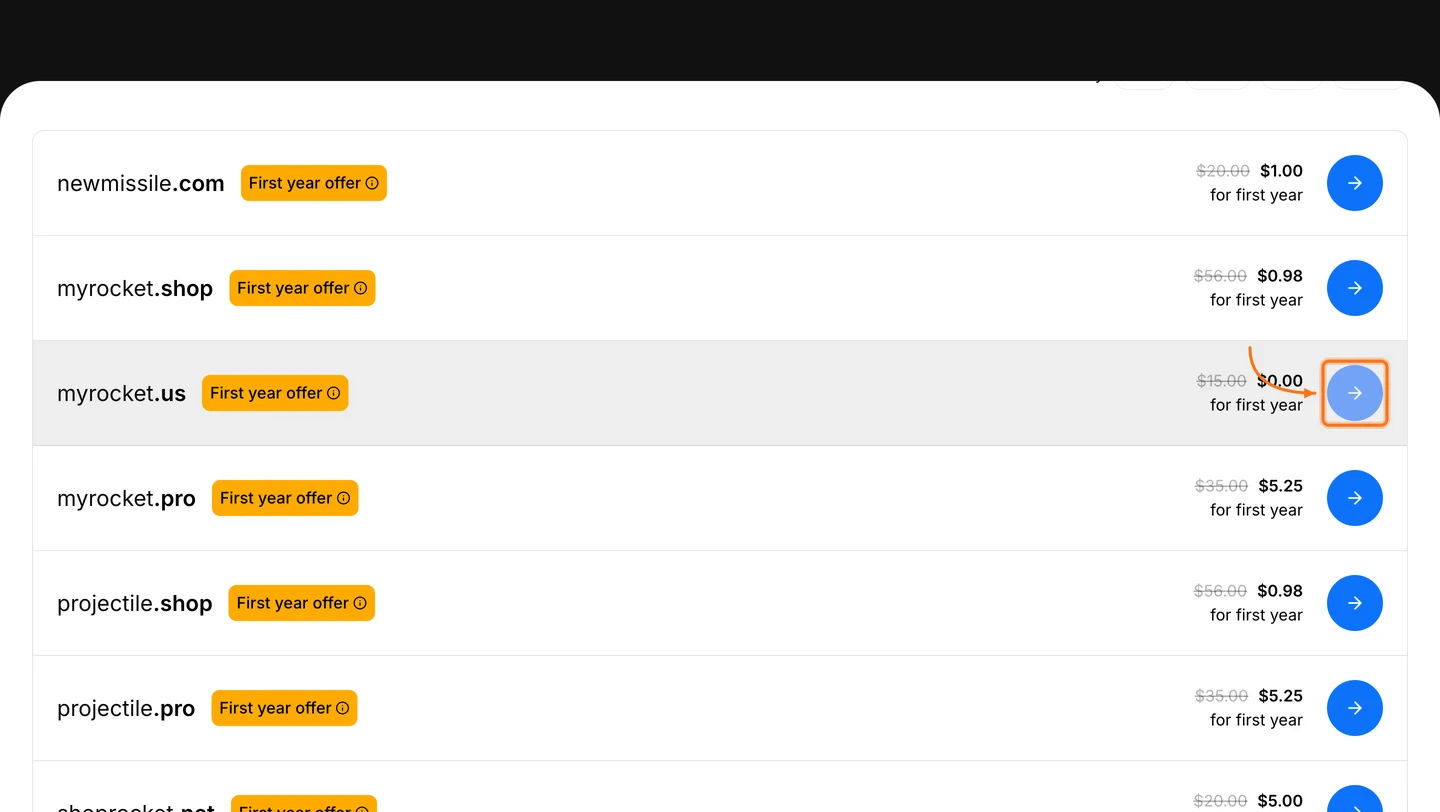
Browse available domains and their pricing. Click the button next to the domain you want.
Domain search results listing available domains with first-year pricing and a select arrow button.Domain search results listing available domains with first-year pricing and a select arrow button.
5

Complete the purchase on IONOS

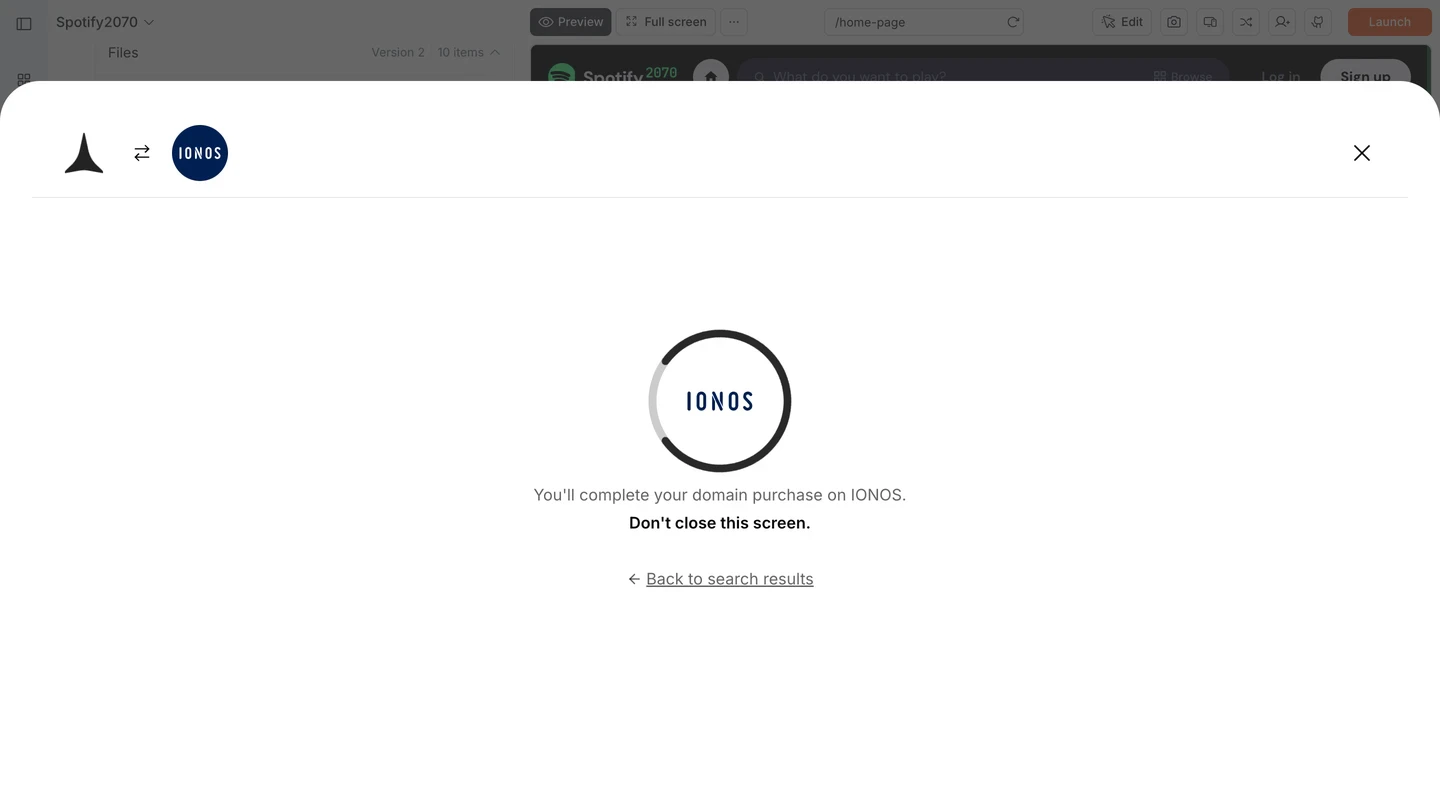
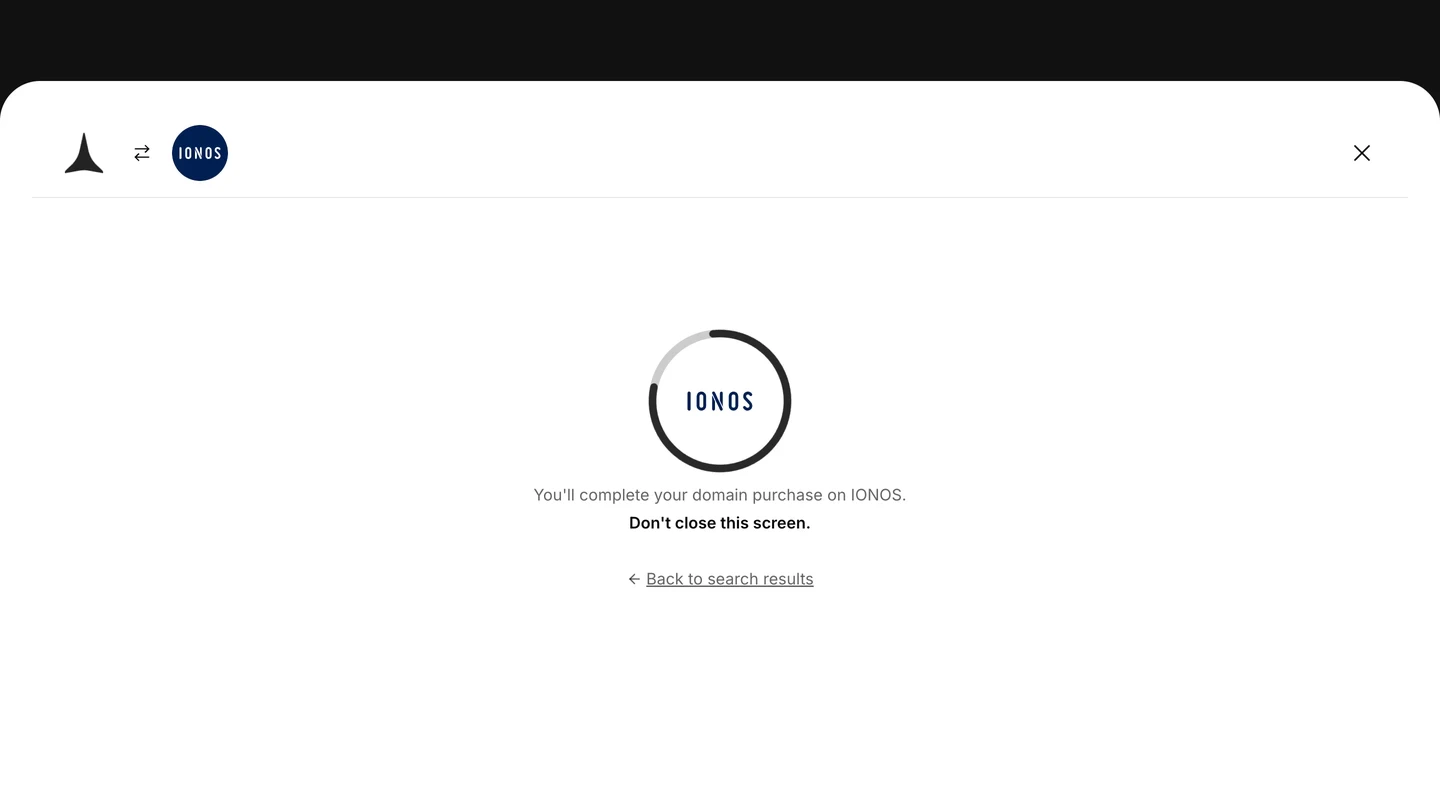
Rocket redirects you to IONOS to complete payment. Keep this screen open. Rocket connects your domain automatically once the purchase is confirmed.
Rocket screen showing the IONOS logo and the message: You'll complete your domain purchase on IONOS. Don't close this screen.Rocket screen showing the IONOS logo and the message: You'll complete your domain purchase on IONOS. Don't close this screen.
Do not close the Rocket tab while the IONOS payment is in progress. Rocket needs this screen open to detect the completed purchase and configure your DNS automatically.

What’s next?

Custom domain

Already own a domain? Connect it to your Rocket app instead.

Launch your site

Test in staging, publish to production, and roll back if needed.

SEO and discoverability

Optimize your site so search engines find it at your new domain.

Launch your app

Full guide to deploying your web app.