

Deploy your app to a live URL with one click.Netlify is a web hosting platform with automatic builds, global CDN, and HTTPS. Connect Netlify to Rocket and deploy your app with one click to get an instant public URL. Rocket handles the build and deployment process, so you go from project to live site in seconds.If you have not connected your own Netlify account, Rocket uses a default account for deployments. Connecting your own account gives you full control over deployment history, custom domains, and the Netlify dashboard.Prerequisites:
- A Rocket account at rocket.new.
- A Netlify account.
- The Rocket mobile app (for mobile setup).
What you can use it for
Deploy to a live URL
Deploy to a live URL
Publish your Rocket web app to a public Netlify URL with automatic HTTPS and global CDN. Click deploy and your app is live in seconds.
Redeploy with updates
Redeploy with updates
After making changes in Rocket, deploy again to push the latest version to the same Netlify URL. Your live site updates instantly.
Custom domains
Custom domains
After deploying, connect your own domain name through the Netlify dashboard. Update your DNS records to point to Netlify and your app lives at a branded URL.
Netlify deployment is managed through the Rocket UI, not chat prompts. Click the deploy button in your project to publish to Netlify.
Detailed setup
- Web Browser
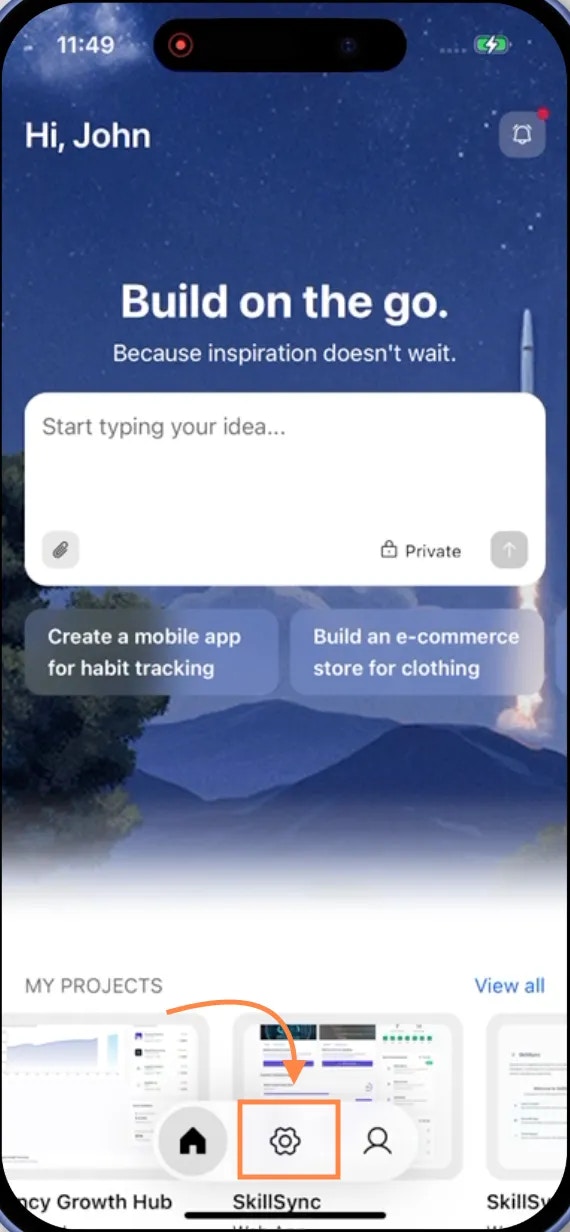
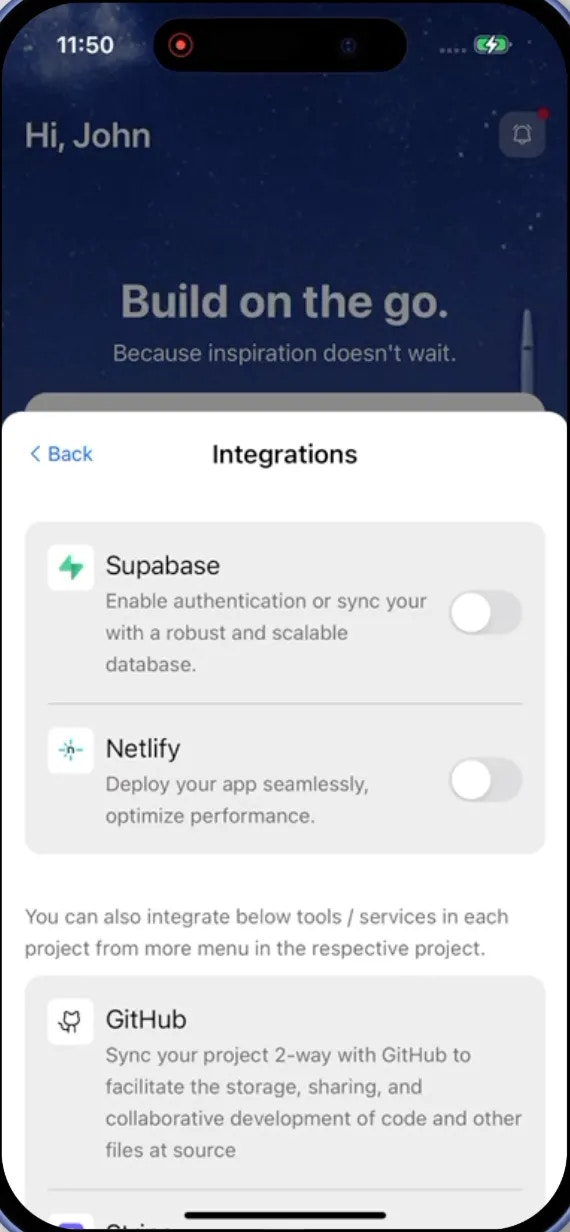
- Mobile App
Connect via Account Settings
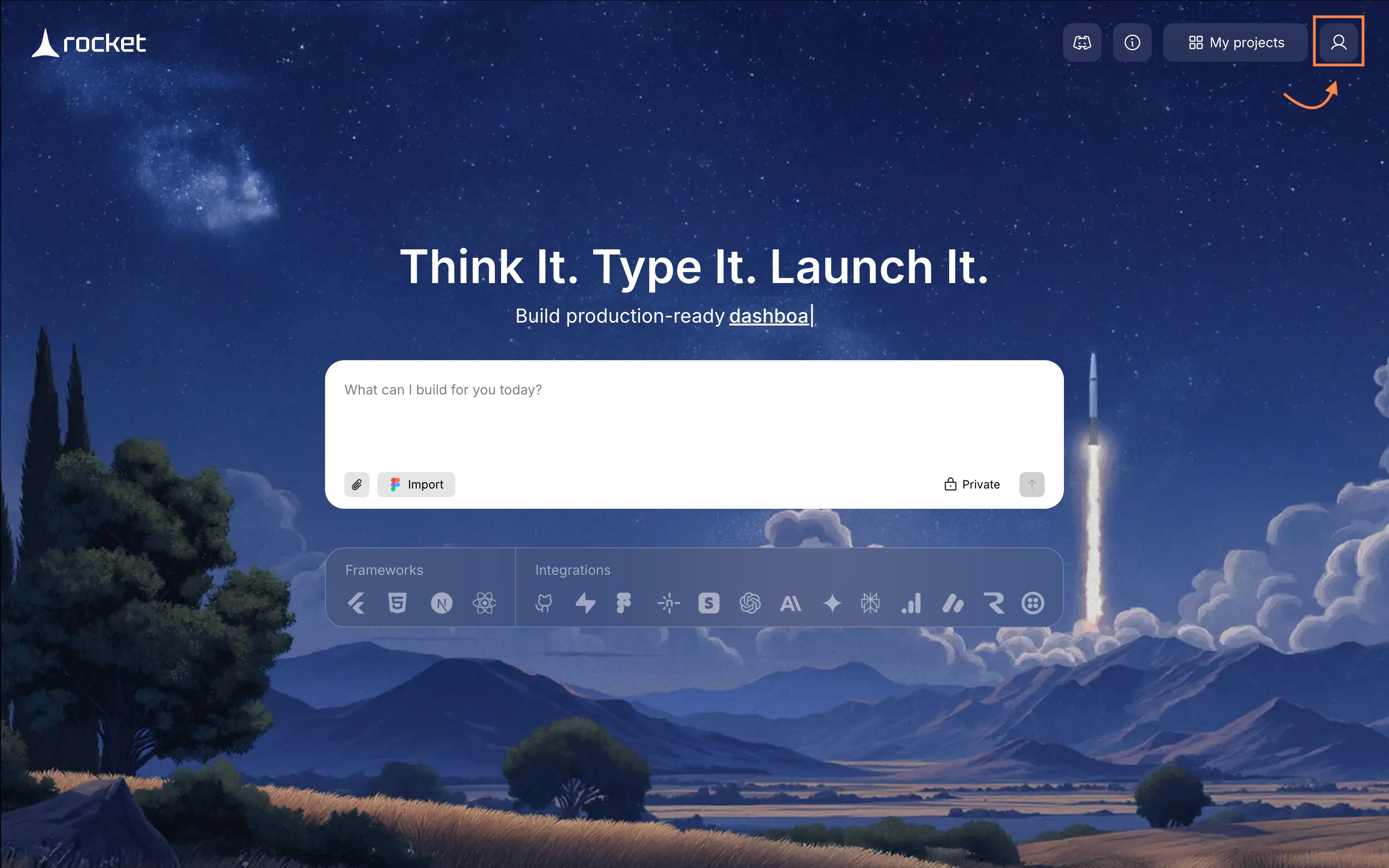
- On the top-right corner of the homepage, click .
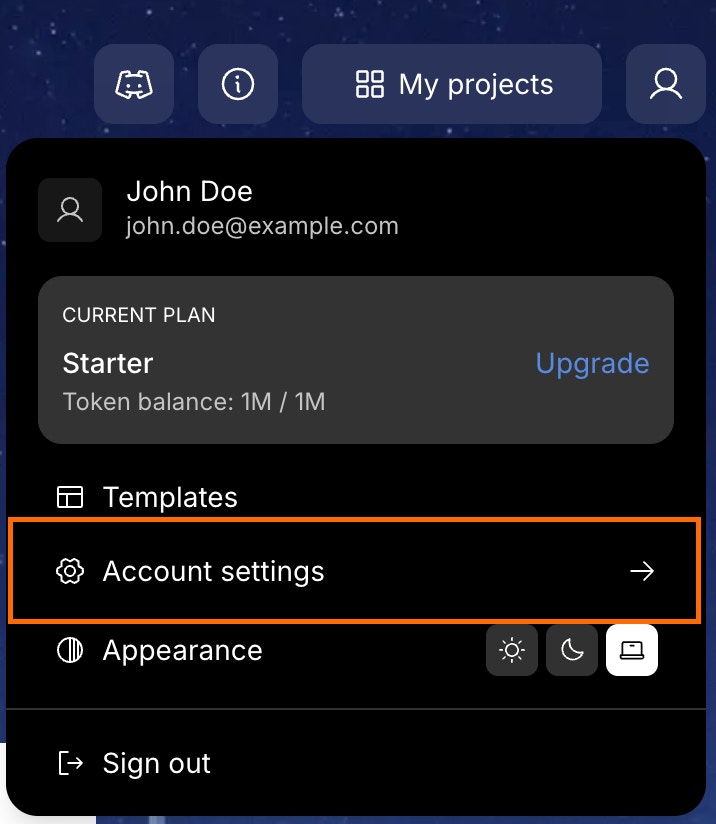
- Choose Account Settings.
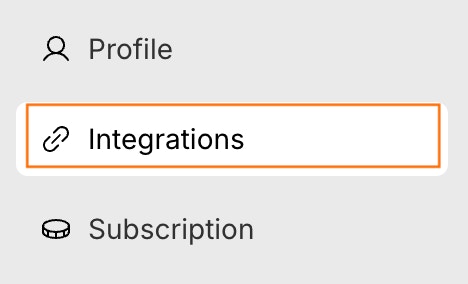
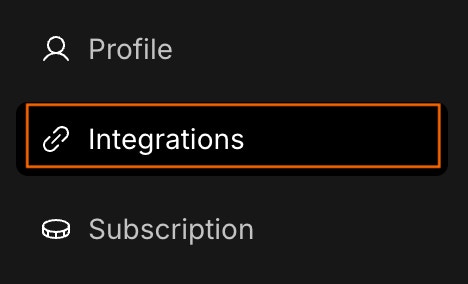
- Click the Integrations tab on the left panel of the popup.
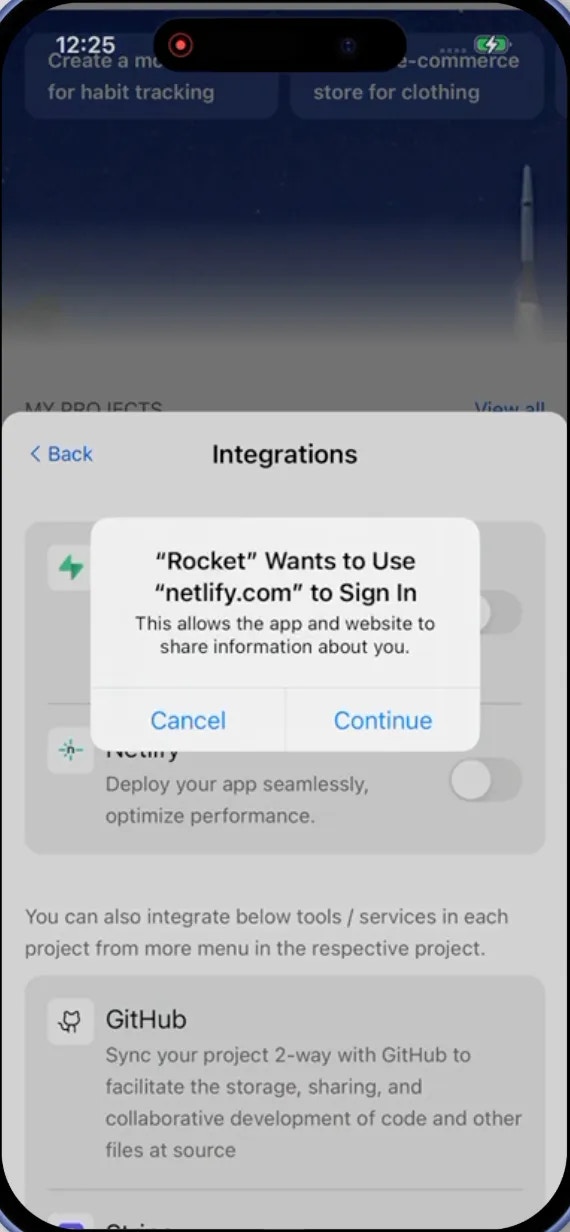
- Click Connect next to the Netlify option.
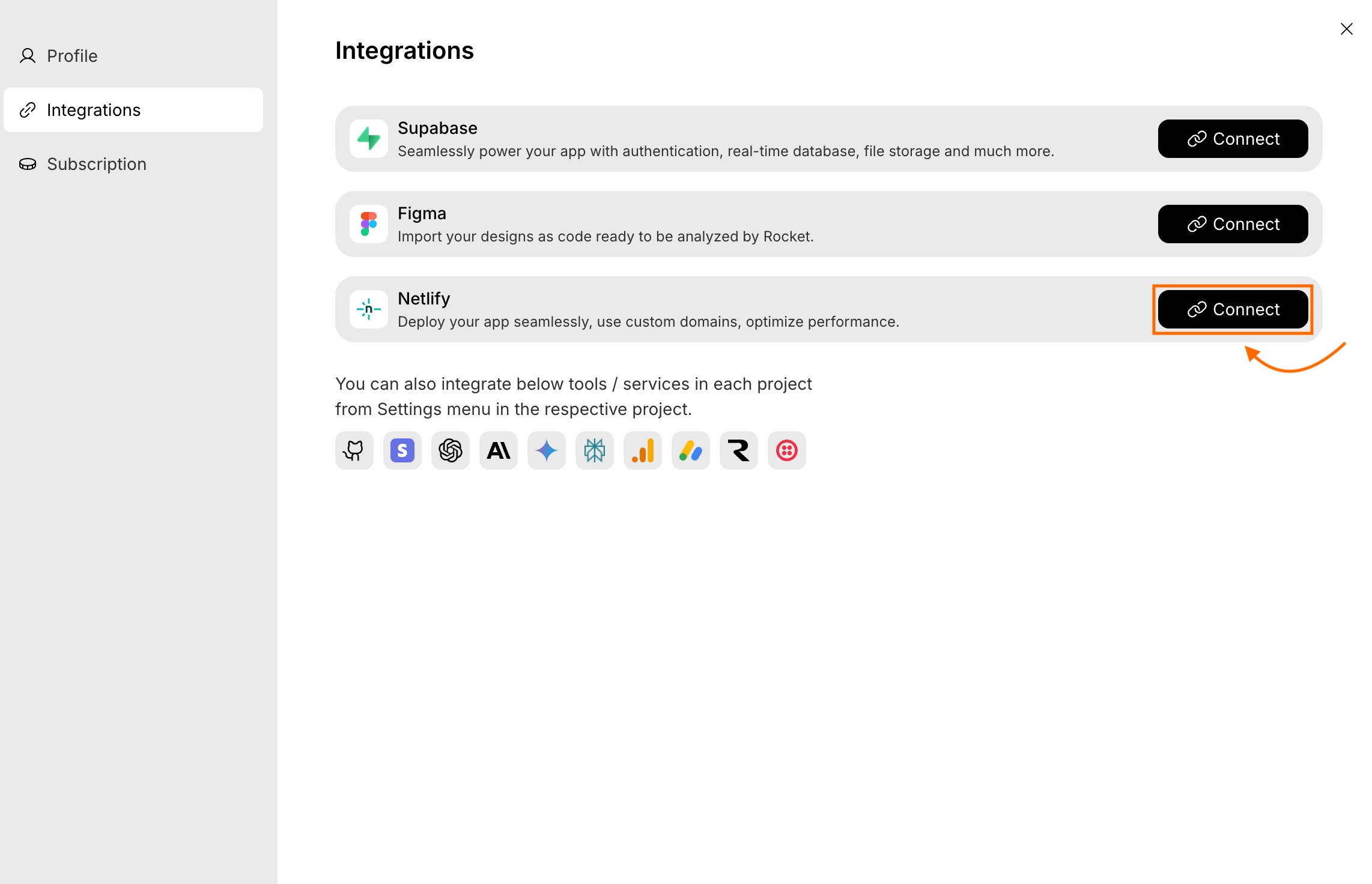
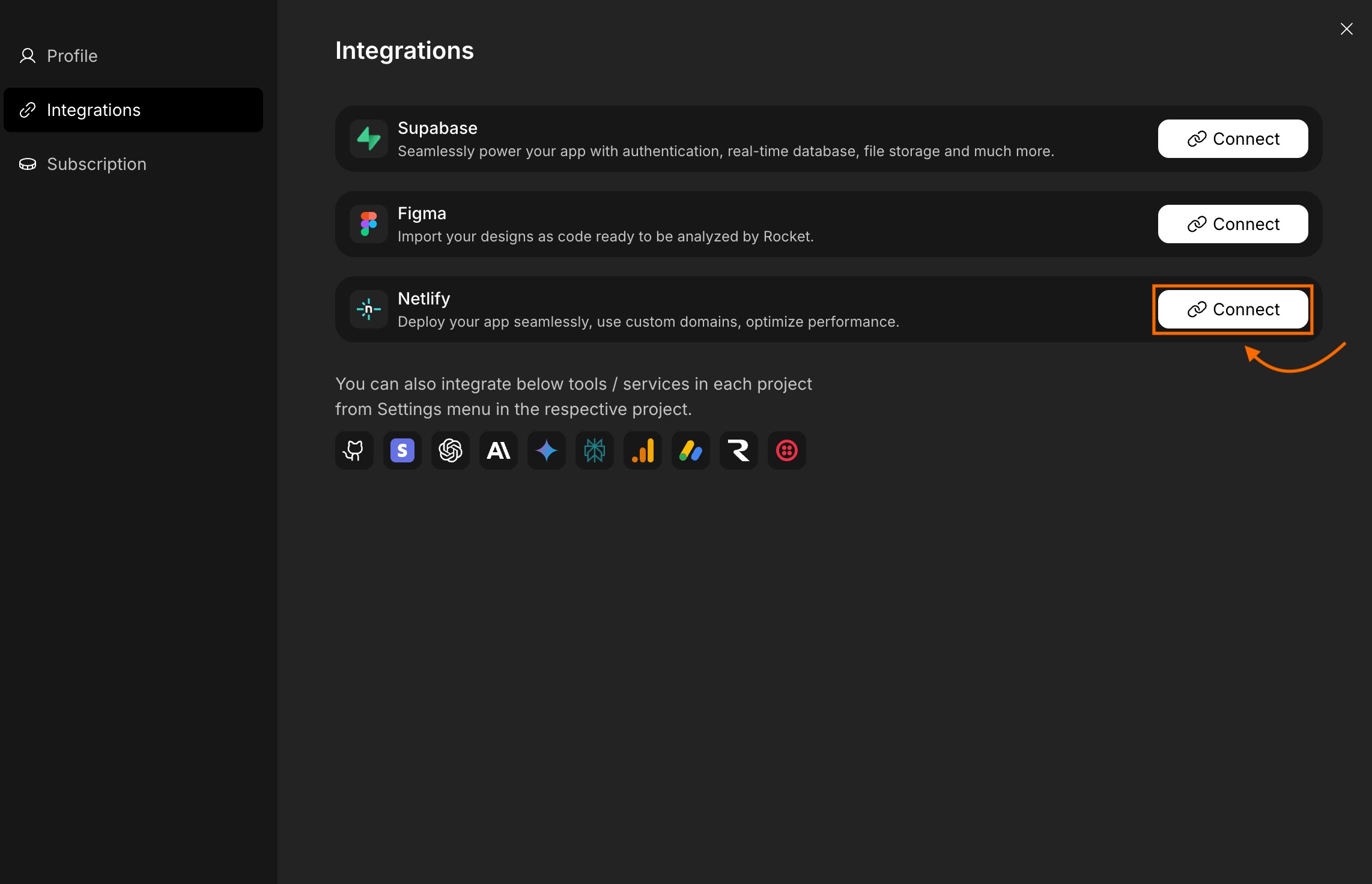
Authorize your Netlify account
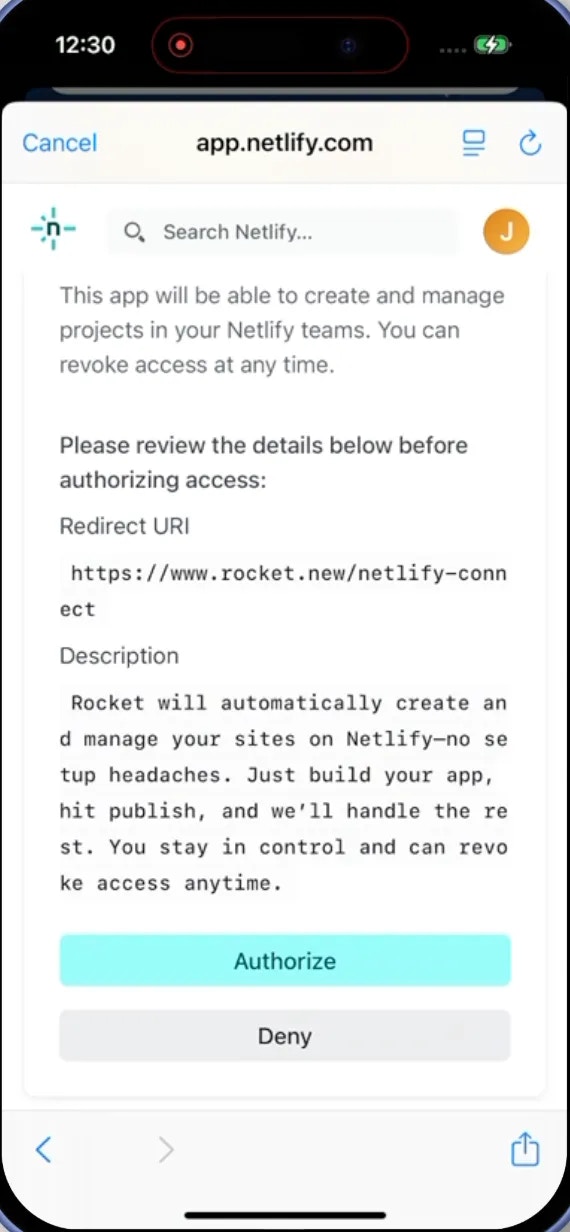
- You will be redirected to Netlify’s secure authorization page.
- Sign in using your account (if not signed in).
- Click Authorize to connect your account.
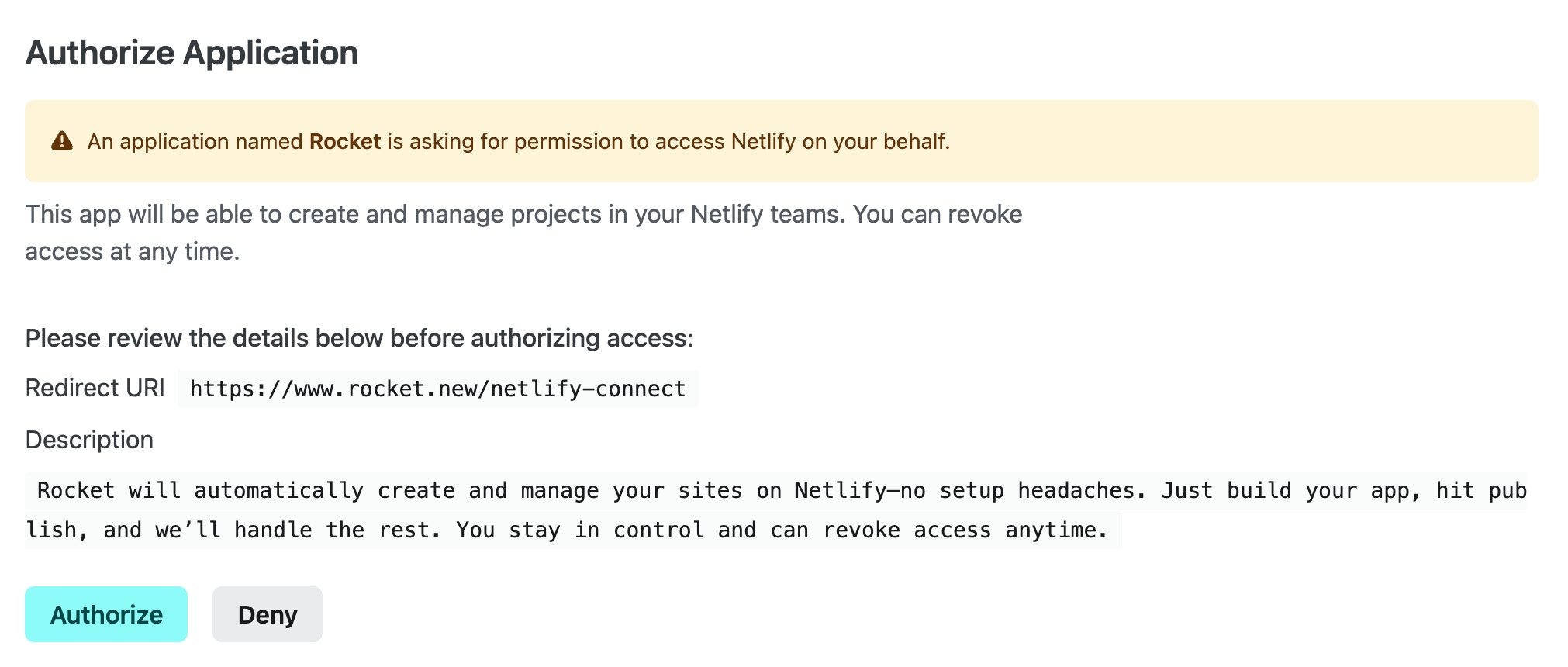
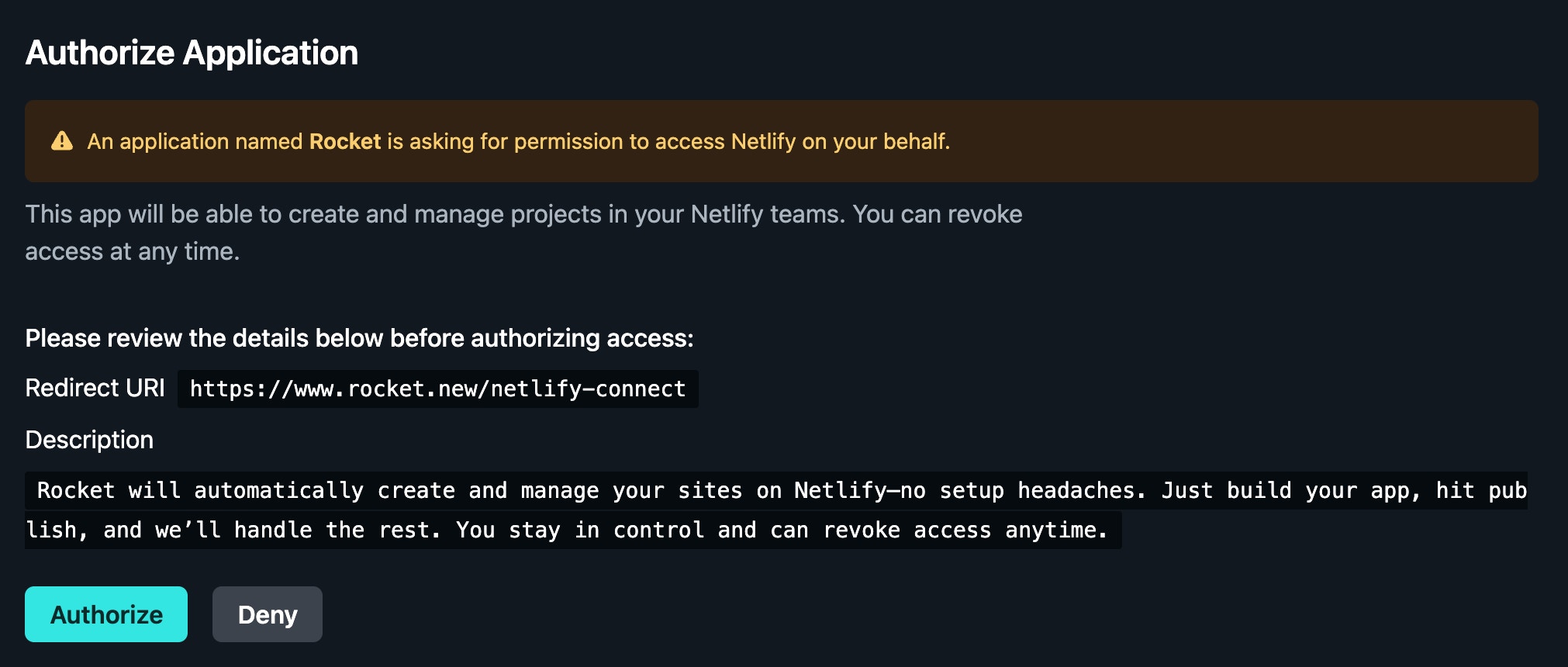
Permissions you will grant Rocket:
- Create and manage sites in your Netlify teams.
Switch or disconnect your account
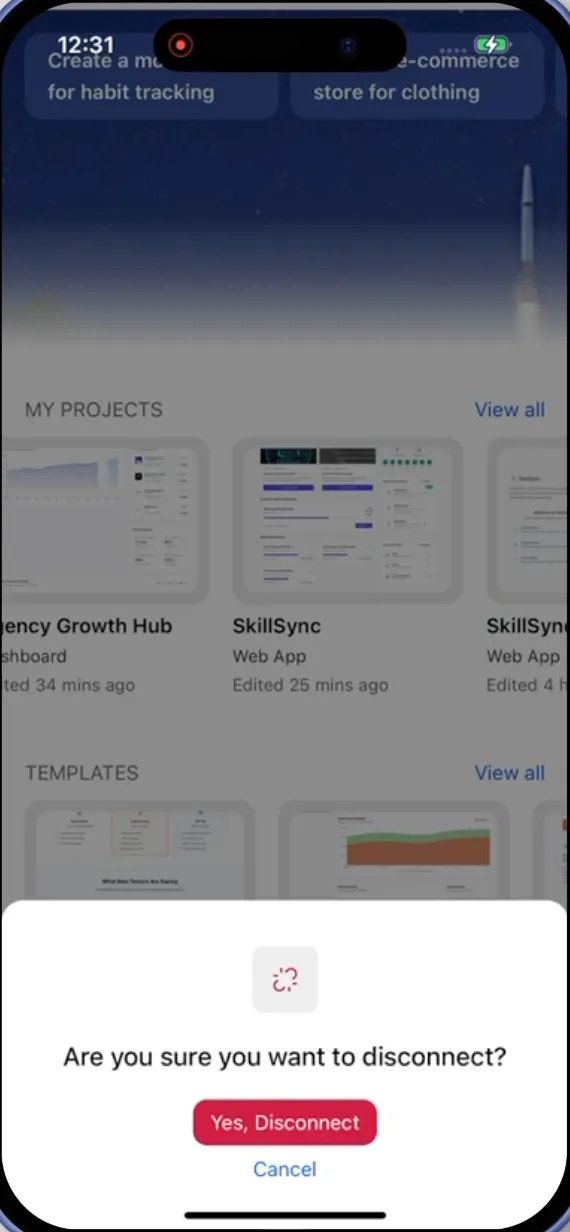
If you want to switch your Netlify account:- Go to Account Settings > Integrations.
- Click Disconnect next to the Netlify option.
- In the popup that appears, click Yes, disconnect to confirm, or click to cancel.
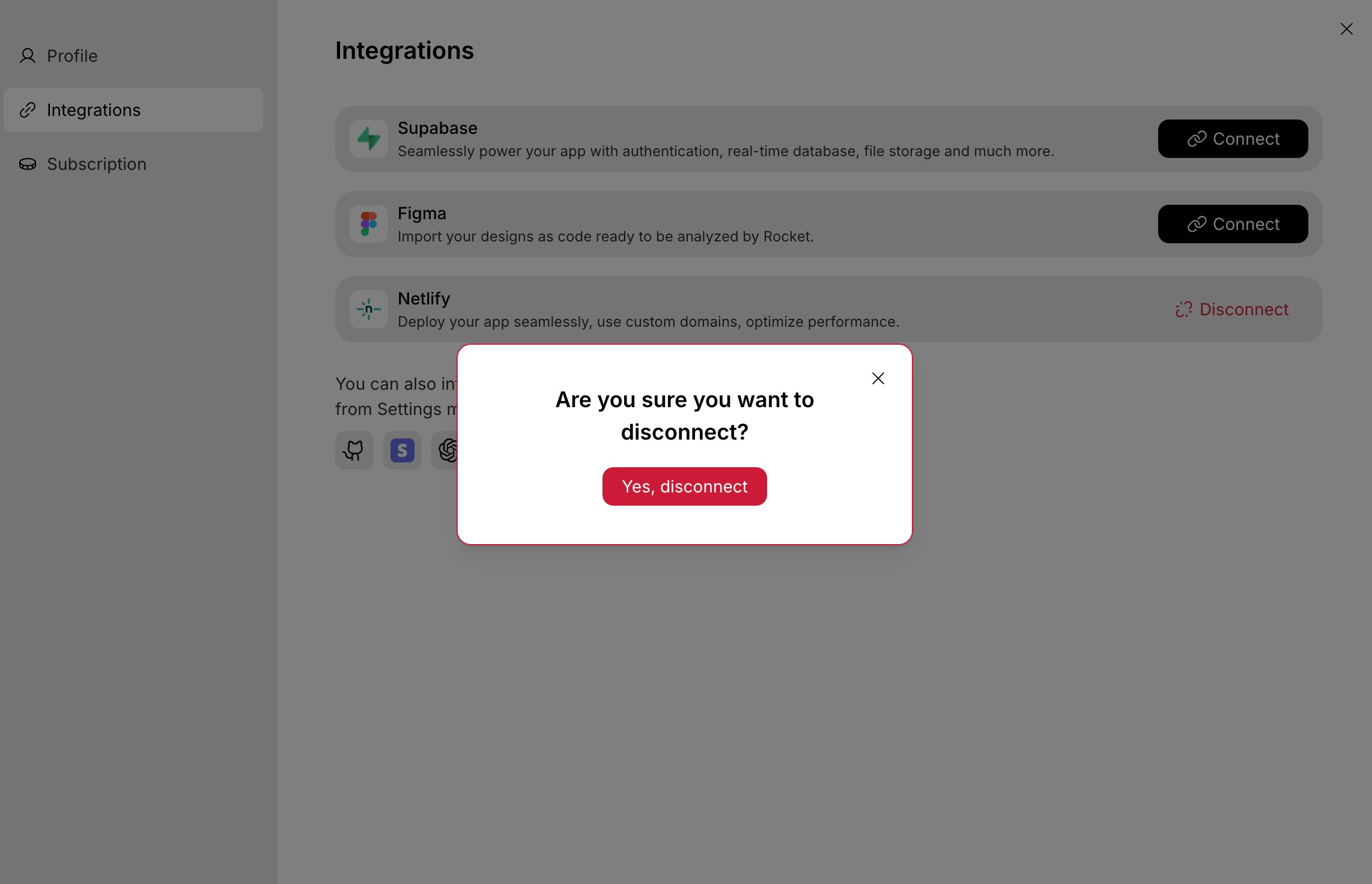
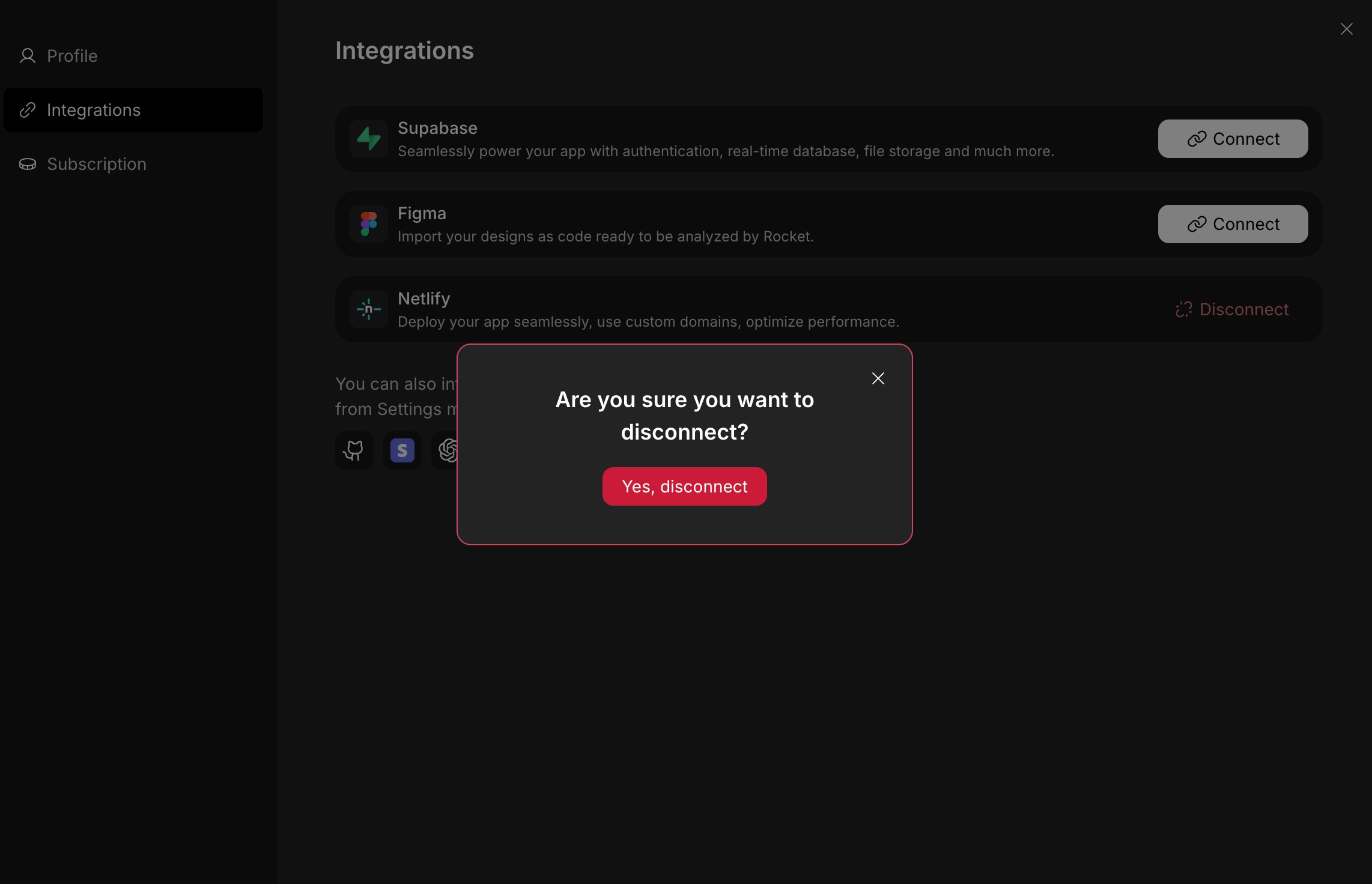
- Then connect Netlify again to restart the connection flow.
Tips and limitations
- Web apps only. Netlify hosts web applications. Mobile apps built in Rocket cannot be deployed to Netlify.
- Default account available. If you do not connect your own Netlify account, Rocket uses a default account for deployments. Connect your own for full control over deployment history and custom domains.
- Custom domains are configured in Netlify. After deploying, go to the Netlify dashboard to connect a custom domain and update your DNS records.
- Build settings are automatic. Rocket configures the correct build command and publish directory. You do not need to set these manually.
- HTTPS is included. All Netlify deployments come with free HTTPS certificates automatically.
What’s next?
Custom domains
Learn how to connect your own domain to your Netlify deployment.
GitHub
Push your code to GitHub for backup before or after deploying to Netlify.
Google Analytics
Track visitors and page views on your live Netlify site with GA4.