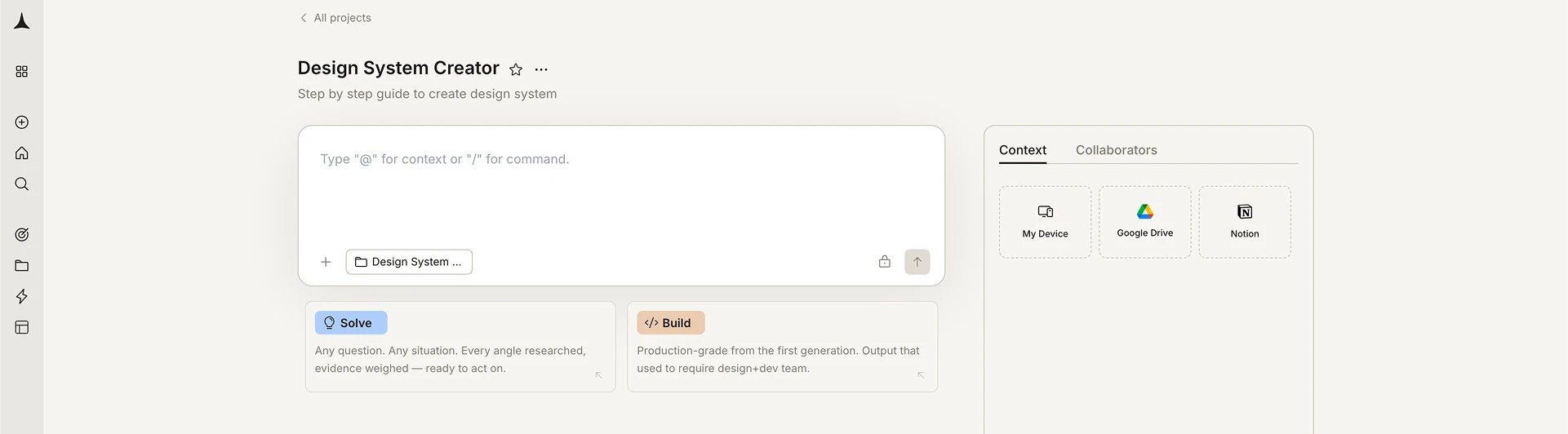
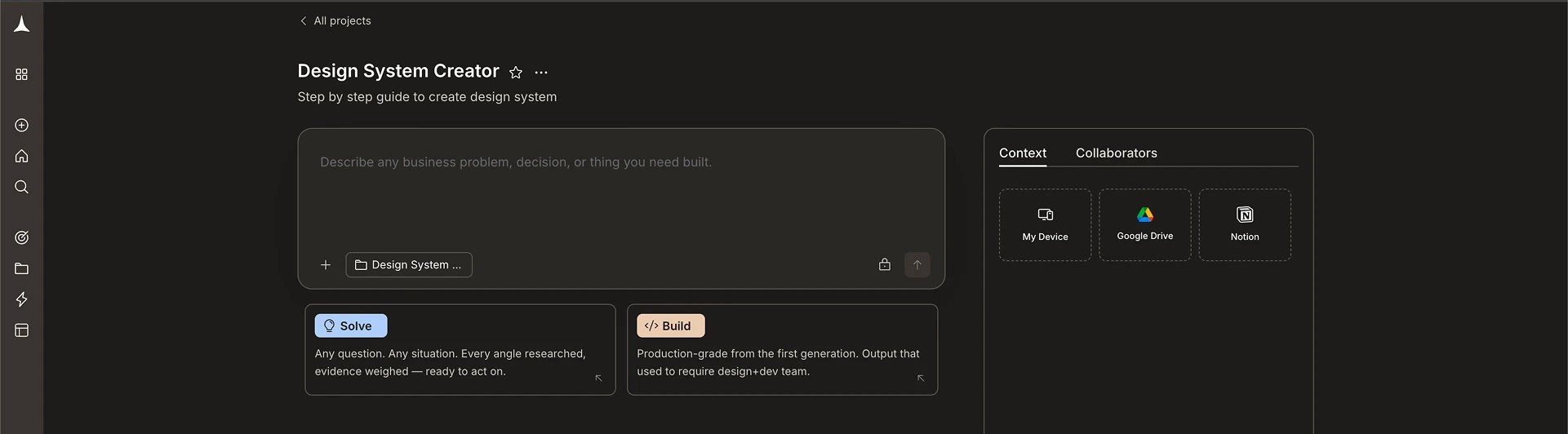
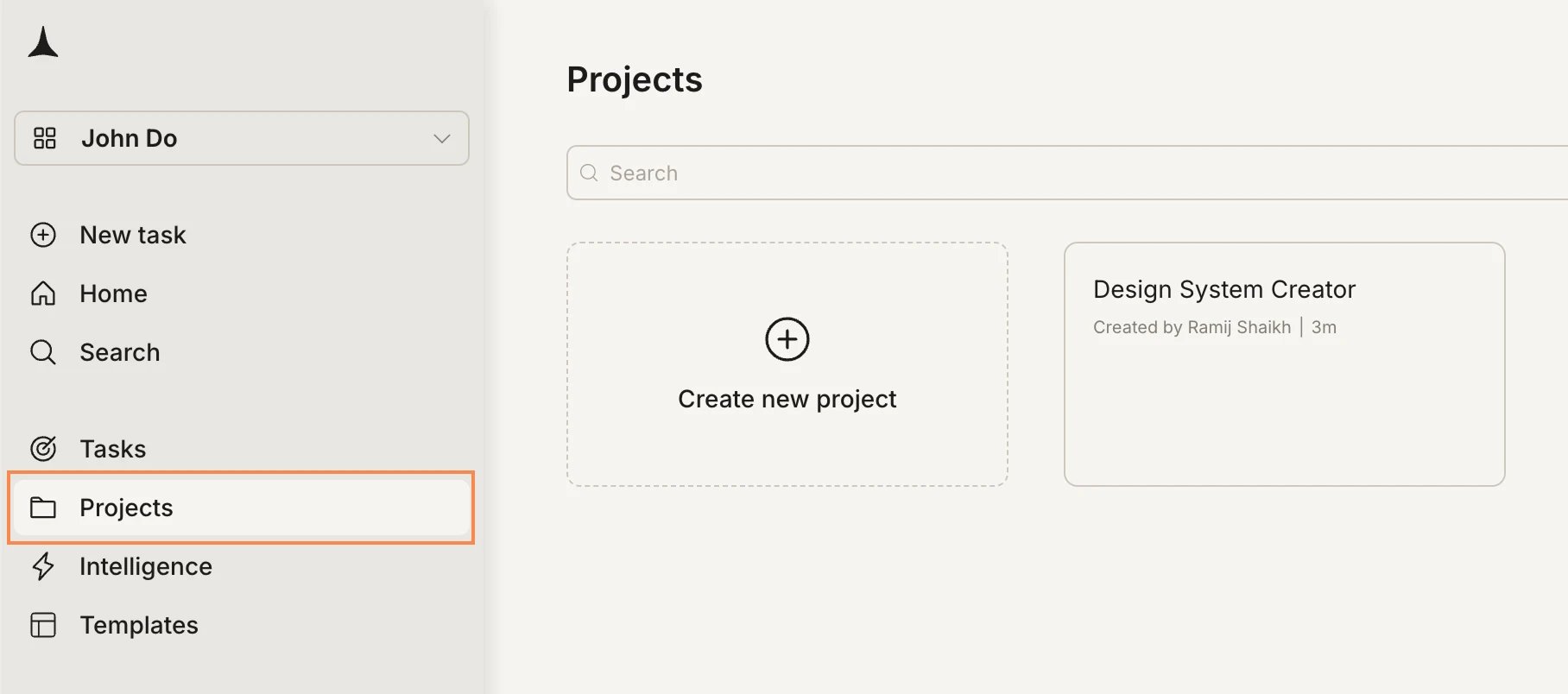
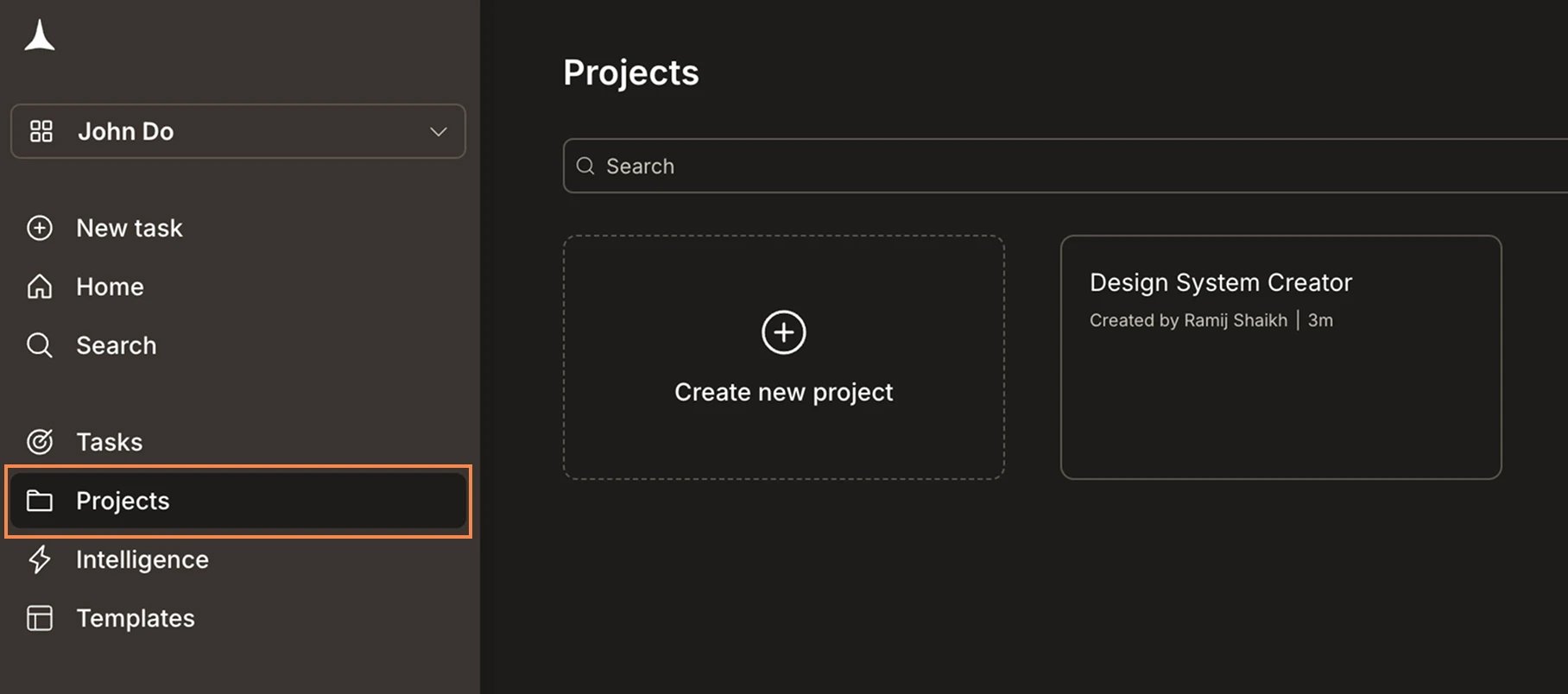
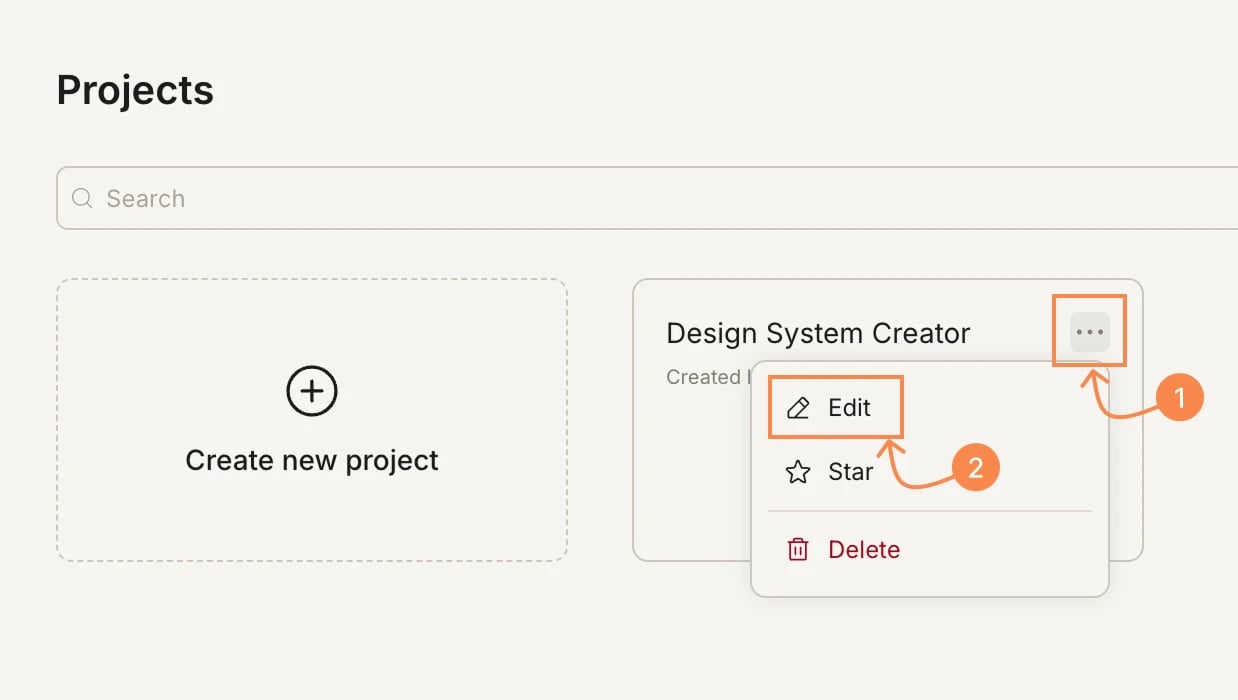
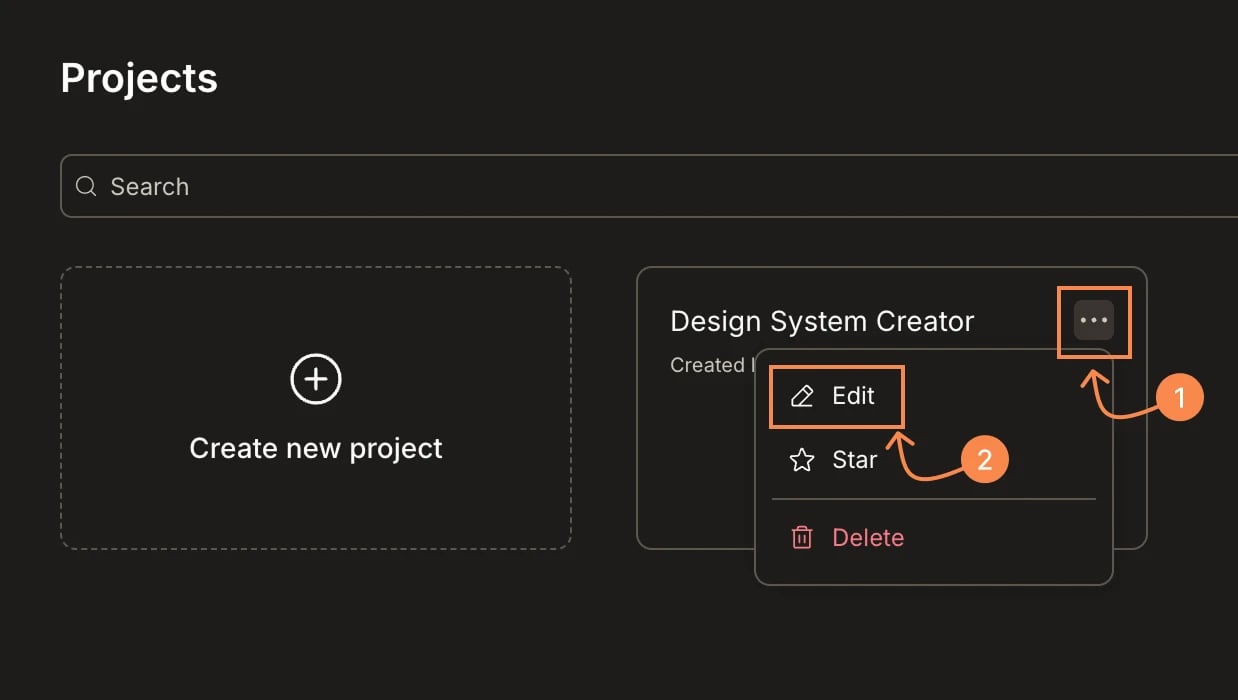
Star a project to pin it to the top of your list for quick access.
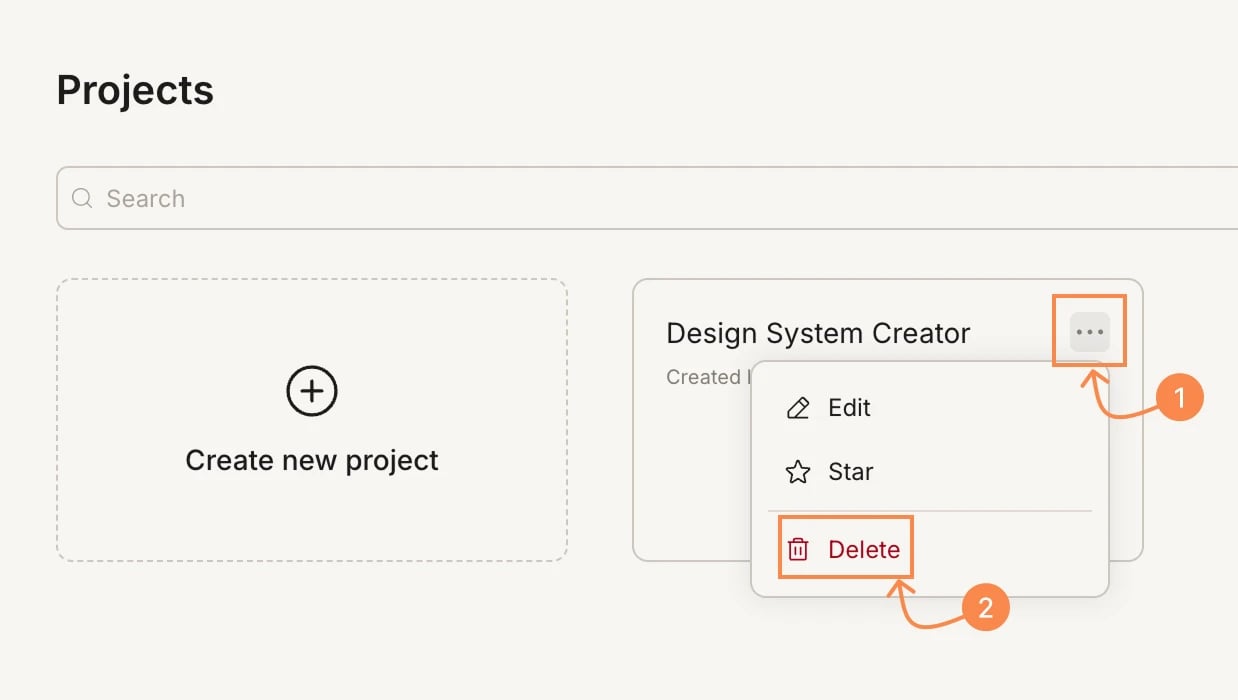
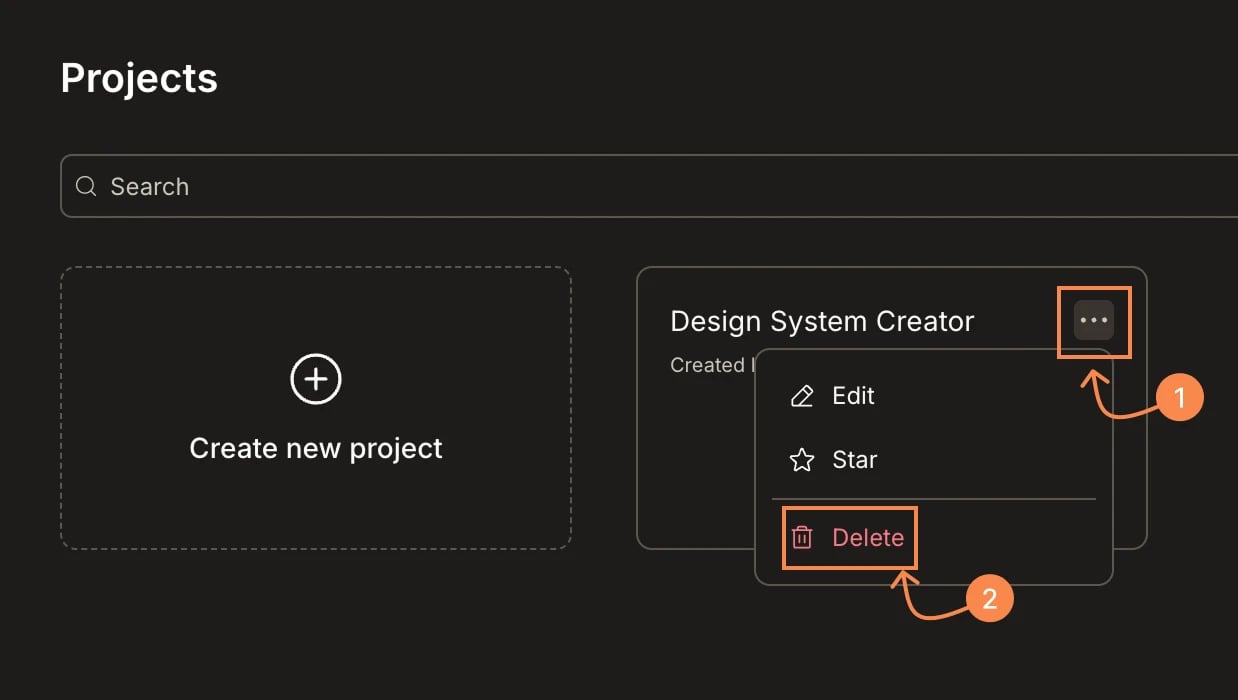
Hover over a project card and click the … menu.
Select Star.
To unstar, open the same menu and select Star again. You can also filter your project list to show only starred projects using the filter at the top of the Projects page.
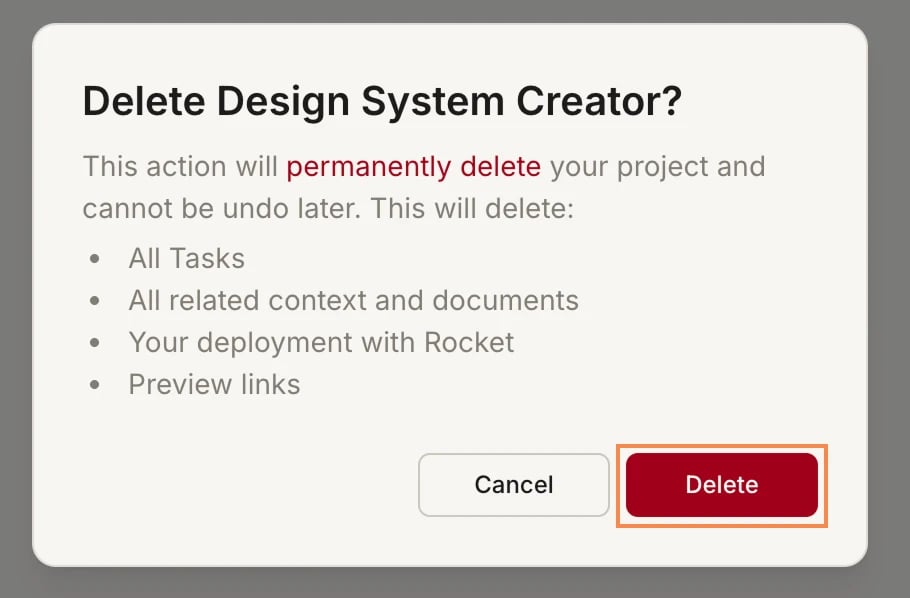
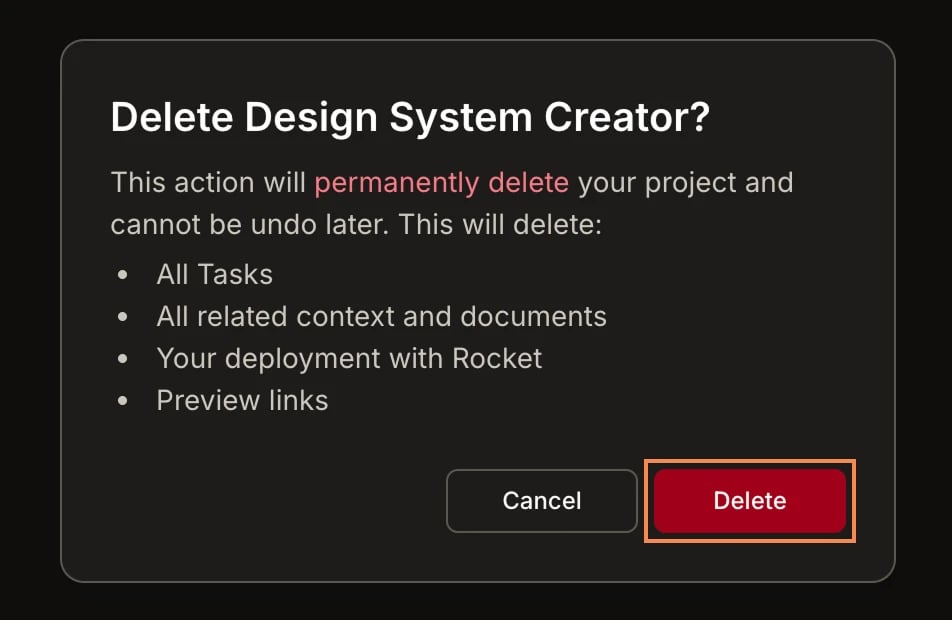
Deleting a project is permanent. All tasks, context, documents, deployments, and preview links inside the project are deleted and cannot be recovered. Archive instead if you might need the work later.
1
Open the project menu and click Delete
On the Projects page, click the … menu on the project card and select Delete.
2
Confirm deletion
Review what will be deleted and click Delete to confirm.