

Share your mobile app instantly without app store approval or downloads. Rocket deploys your Flutter app as a mobile-optimized web app that anyone can access in their browser.Perfect for testing, demos, or reaching users who prefer web access.
Why launch a mobile app to web
- Skip app store review - share your app immediately without waiting for Apple or Google approval
- Test with real users fast - send a link to testers and get feedback before committing to a store release
- Reach users without downloads - anyone with a browser can use your app, no install required
- Push updates instantly - fix bugs or add features and update the live version in one click
- Web Browser
- Mobile App
Launch your app
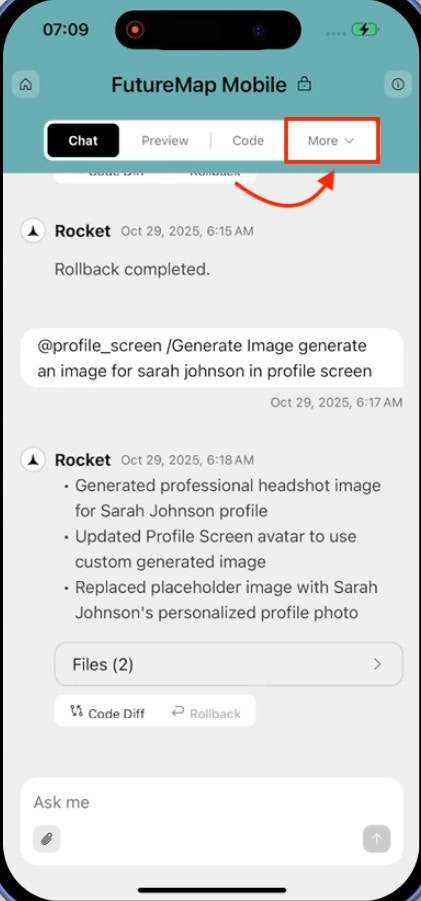
Open your project
Open your app in Rocket and click the Launch button in the top-right corner.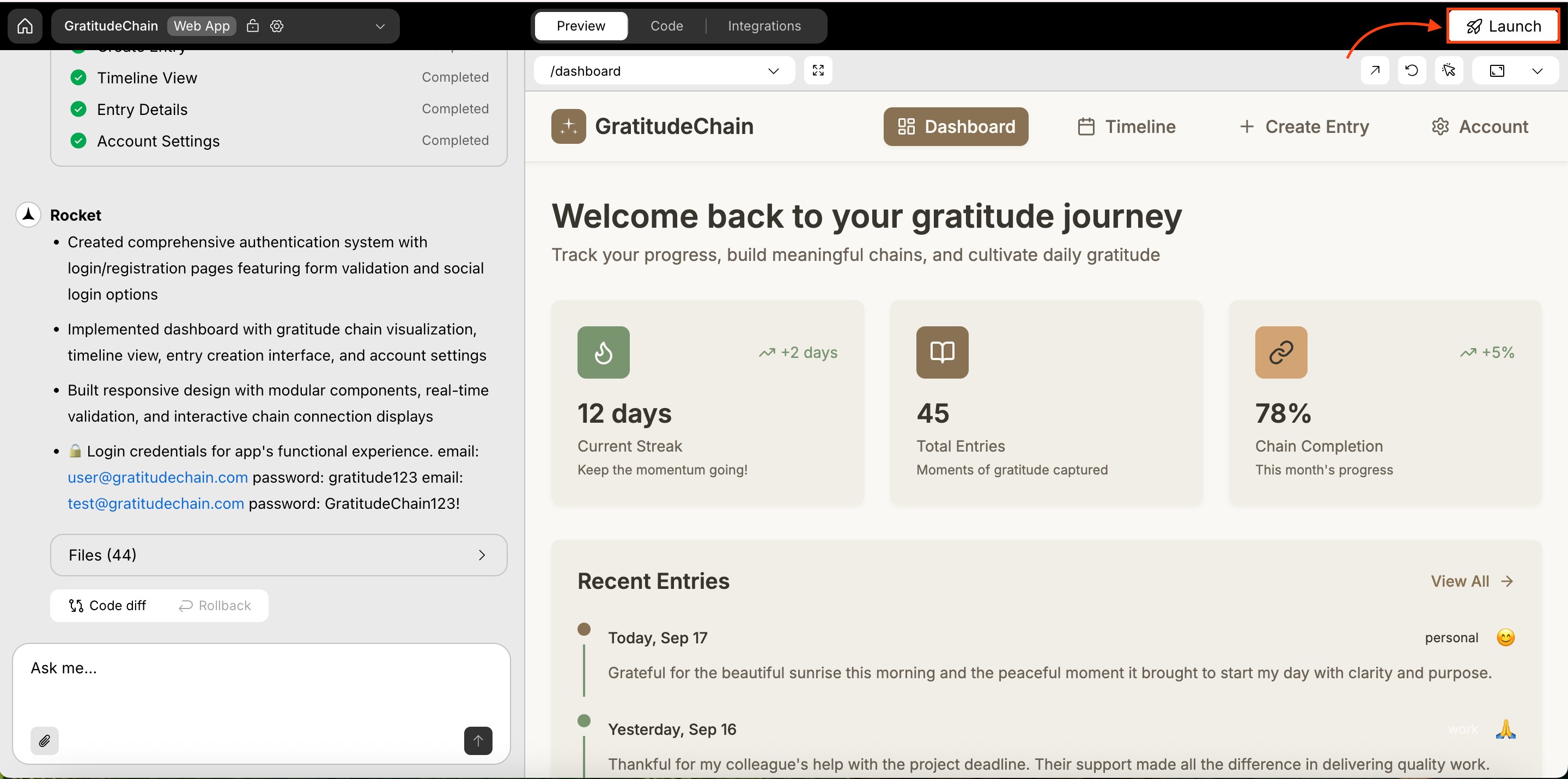
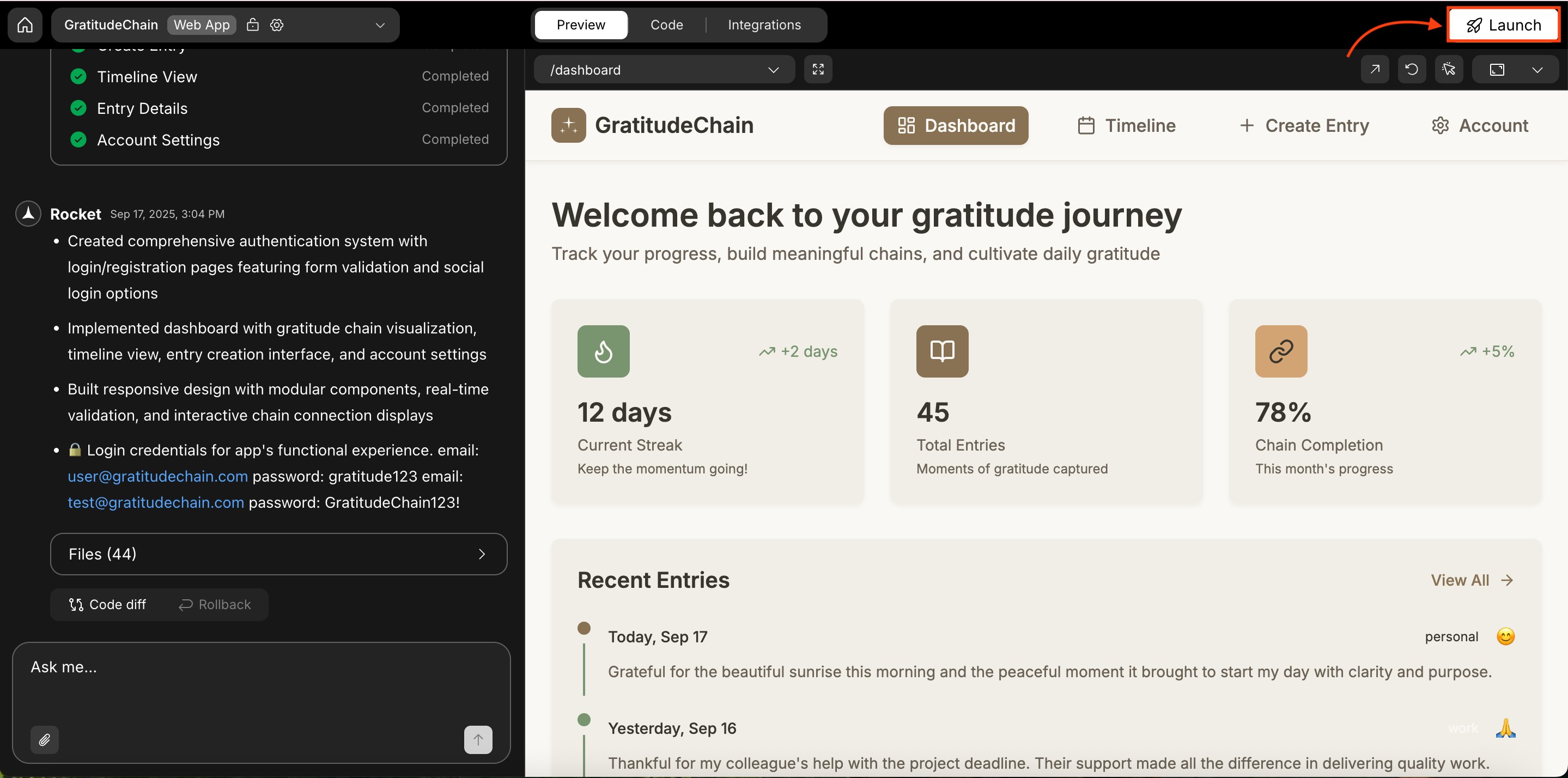
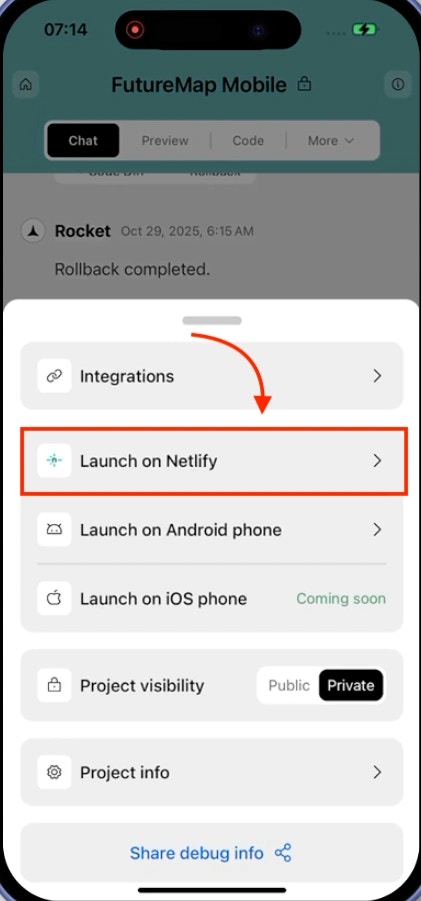
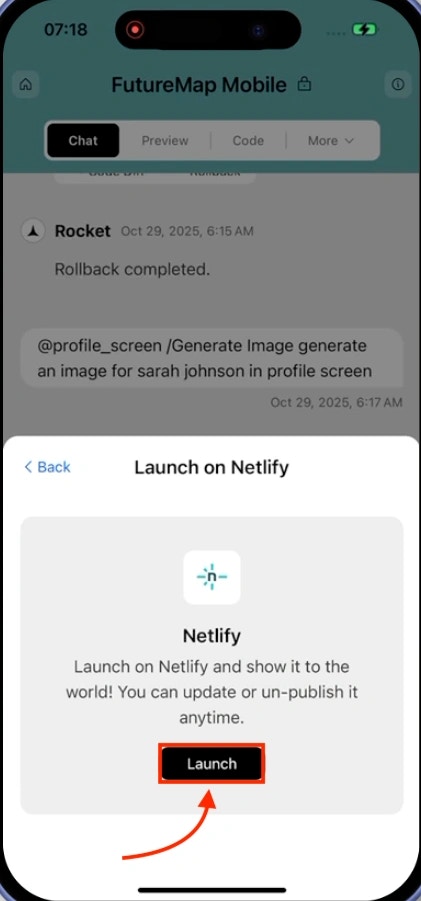
Click Launch
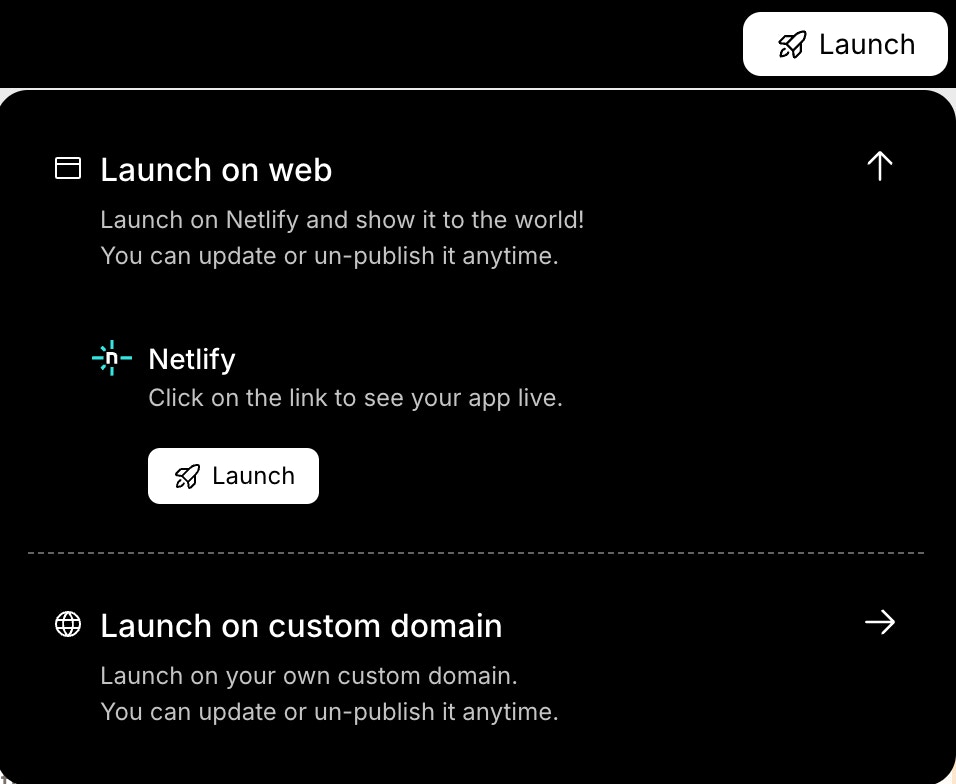
Click Launch on Web in the popup.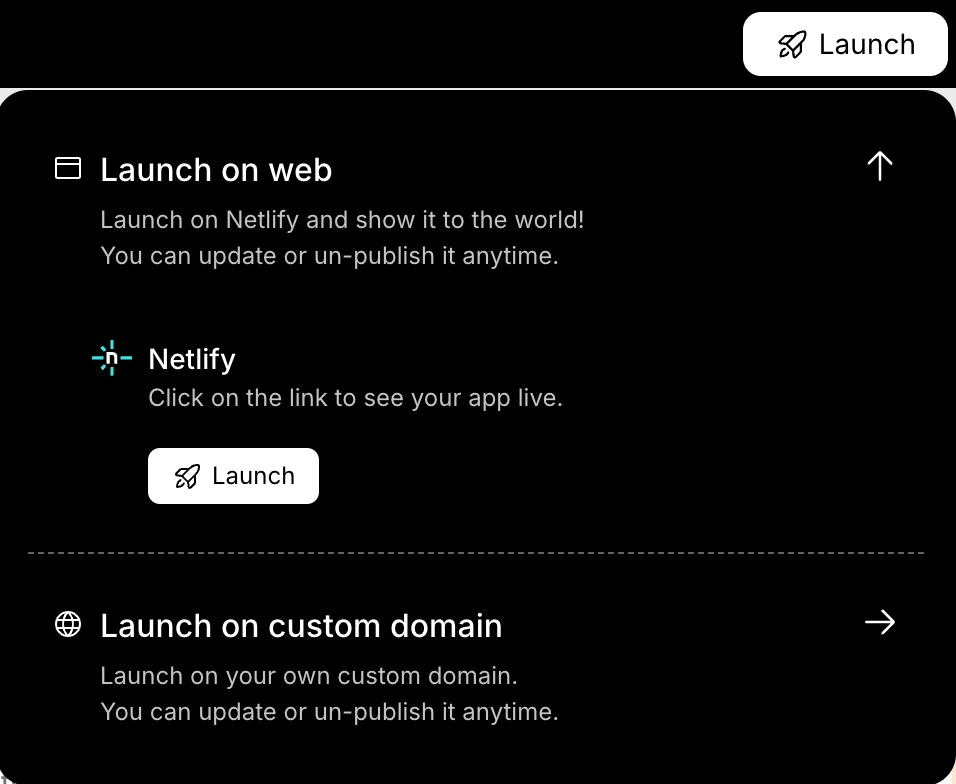
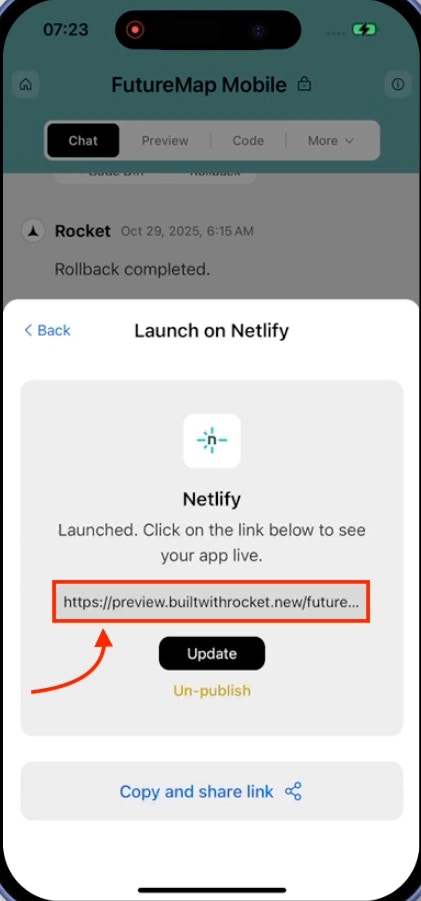
Your app is live
When deployment finishes, you will see a success screen with your public URL.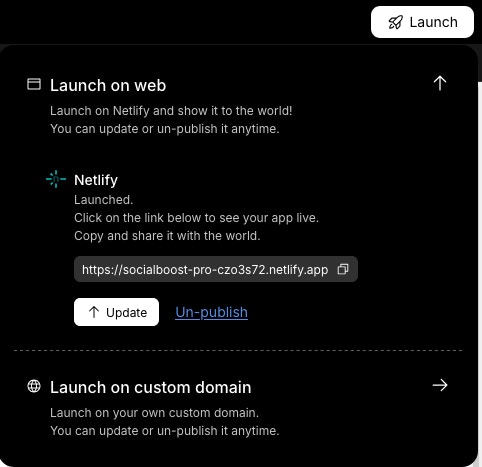
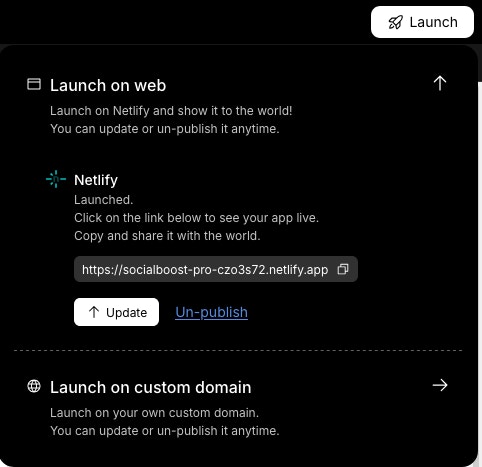
- A link to open your app
- Update button to republish with changes
- Unpublish link to take it offline
First time launching? Rocket uses a default Netlify account if you have not connected your own.
Use your own Netlify account?
Connect Netlify to Rocket.
Use a custom domain?
Set up a custom domain.
Update or unpublish
- Update publishes your latest changes to the same URL.
- Unpublish removes the app and disables the public link.
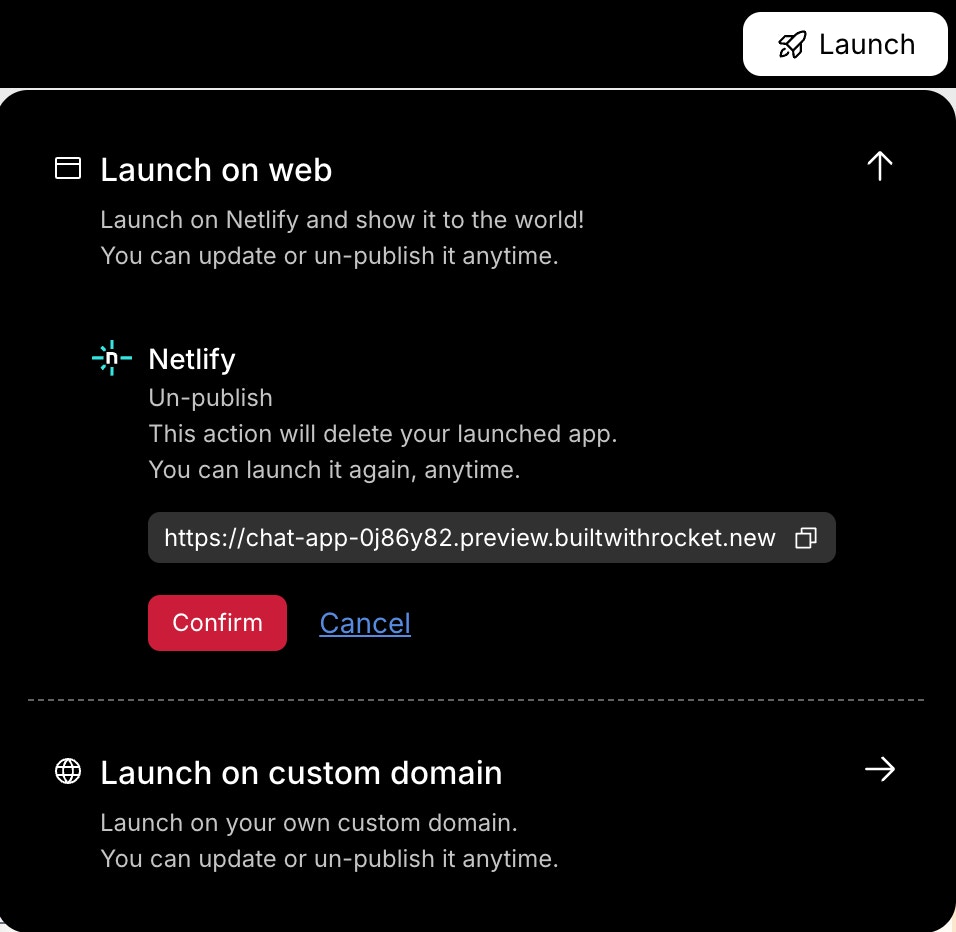
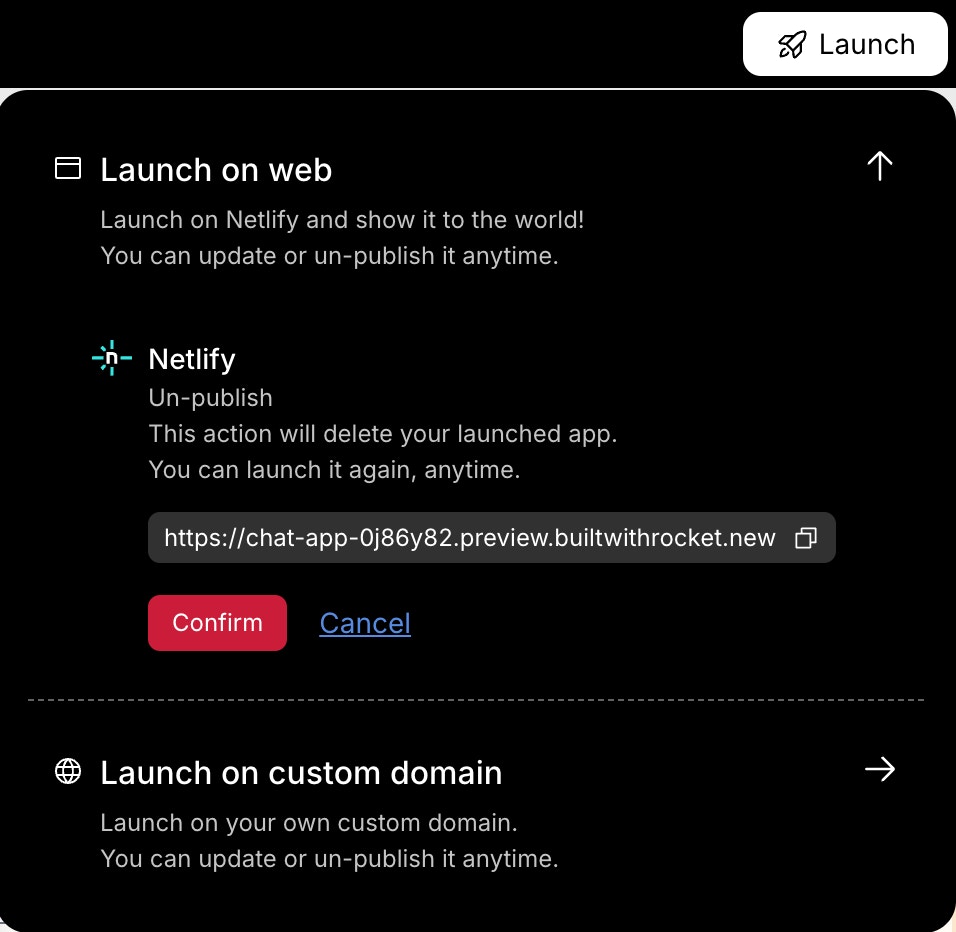
Free users cannot unpublish apps and will see a Built with Rocket badge on the public site. Upgrade to remove the badge and access unpublish options.
What’s next?
Download your APK
Build a native Android package for device testing or direct distribution.
Publish to app stores
Submit your app to Google Play or the Apple App Store for wider reach.
Sharing vs. stores
Compare web links, downloadable builds, and app store submissions.